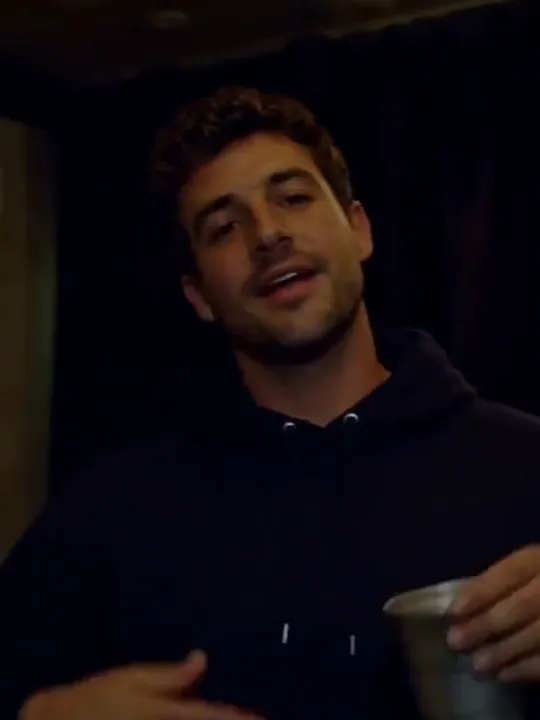
Burning Bridges AI
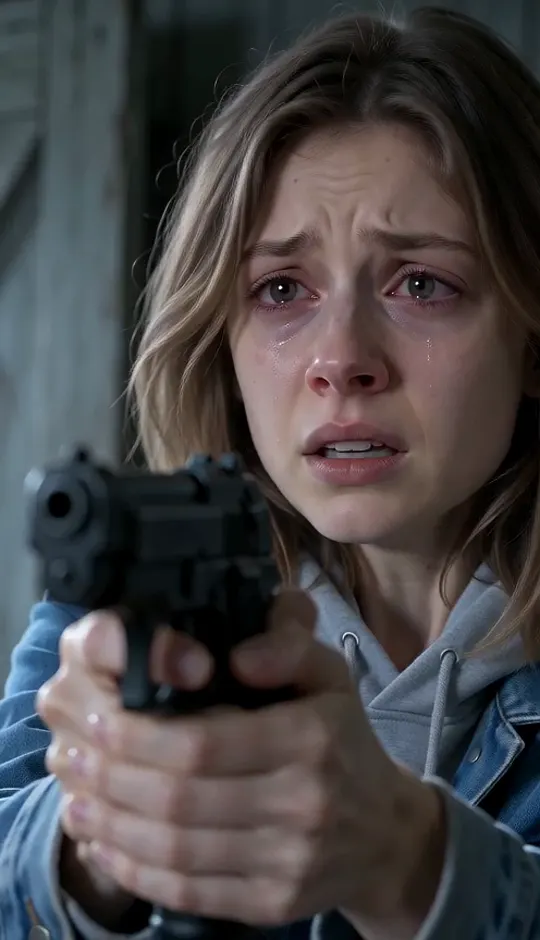
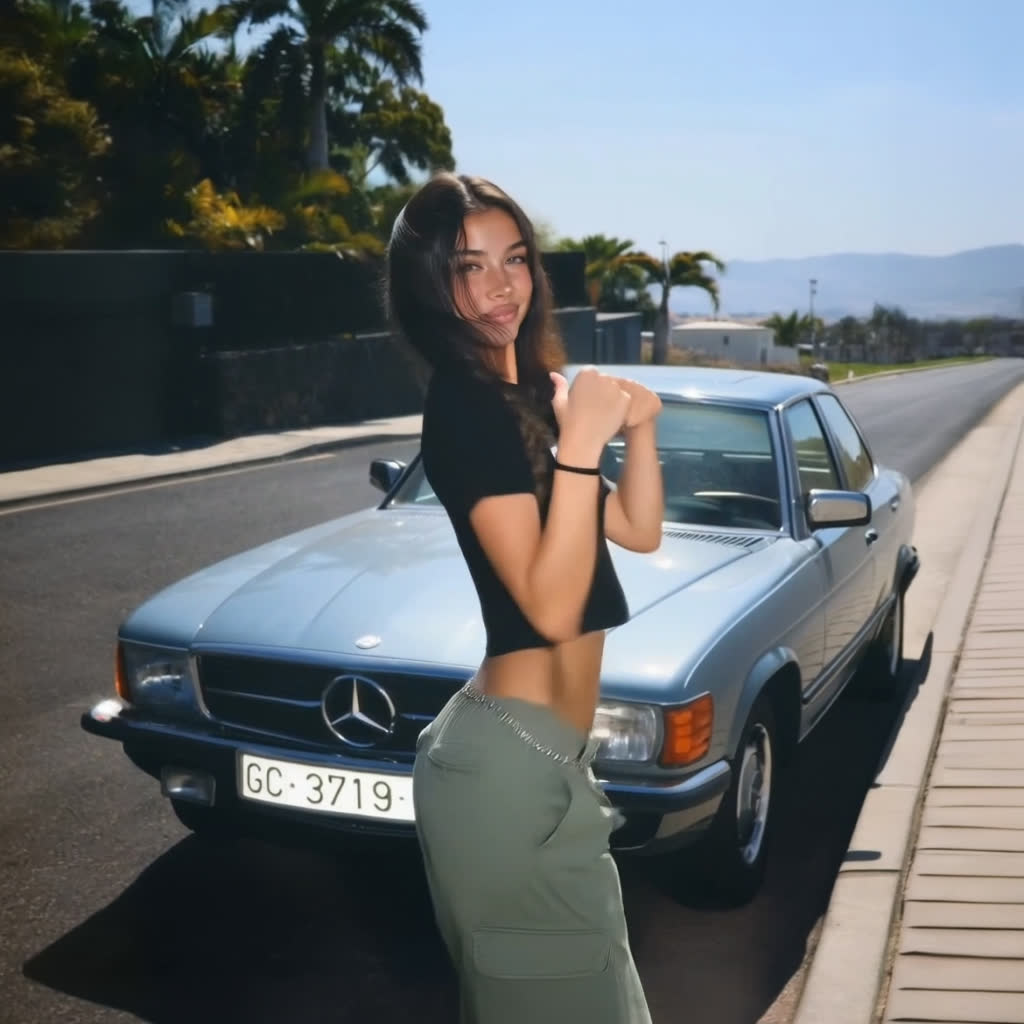
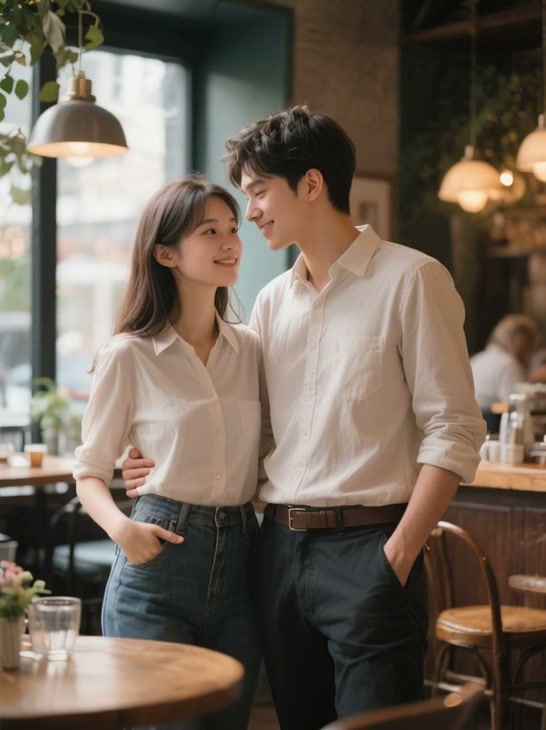
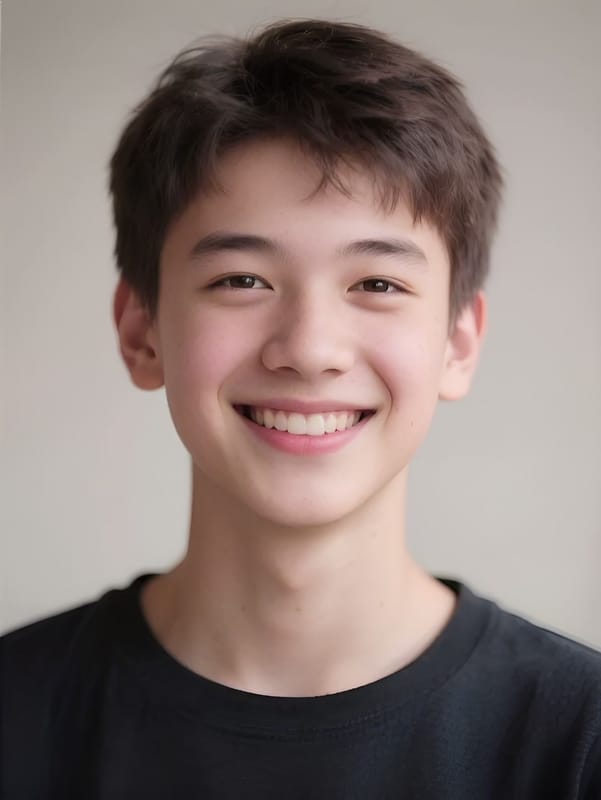
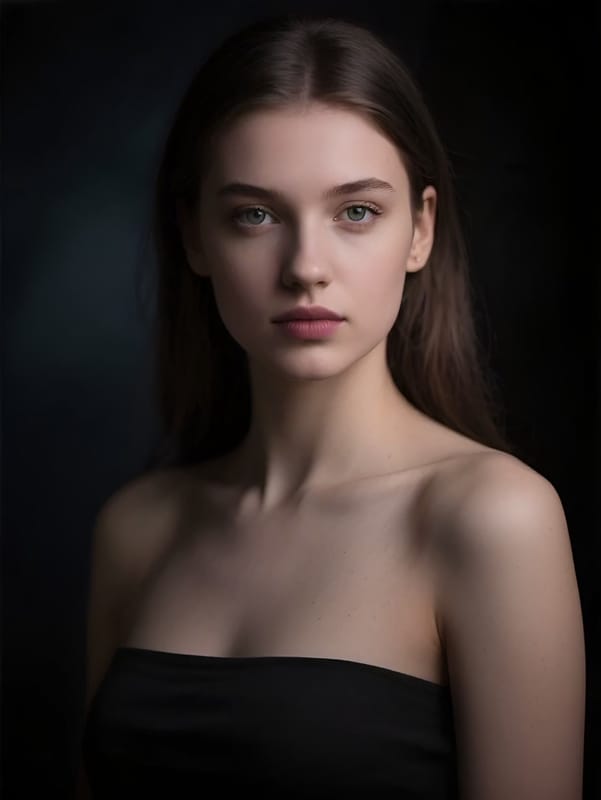
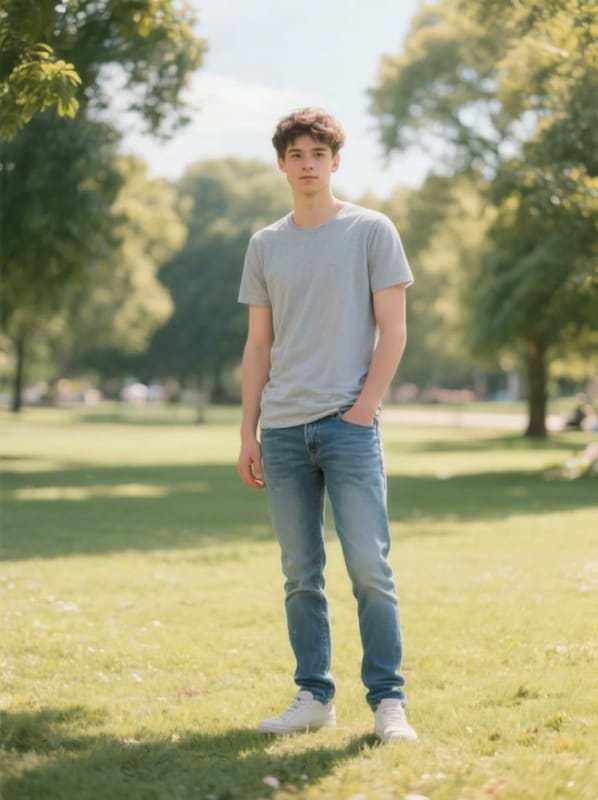
Upload one photo and take the lead in the viral Burning Bridges party clip, song included.
 ClipTrend
Browse the latest viral templates from ClipTrend's AI Image to Video platform — pick one and generate in 60s. Only Viral Now templates include Viral Originals previews.
AI video templates are prebuilt, one-click effects that turn a single photo or prompt into a finished viral clip. Every AI video template in this gallery locks the model, camera move, and prompt scaffolding behind the scenes, so you only supply the subject — no manual prompt engineering. Browse AI video templates across dance, transform, meme, animal, and creative categories, pick the trend you want, and ClipTrend renders a watermark-free, post-ready video in under a minute.
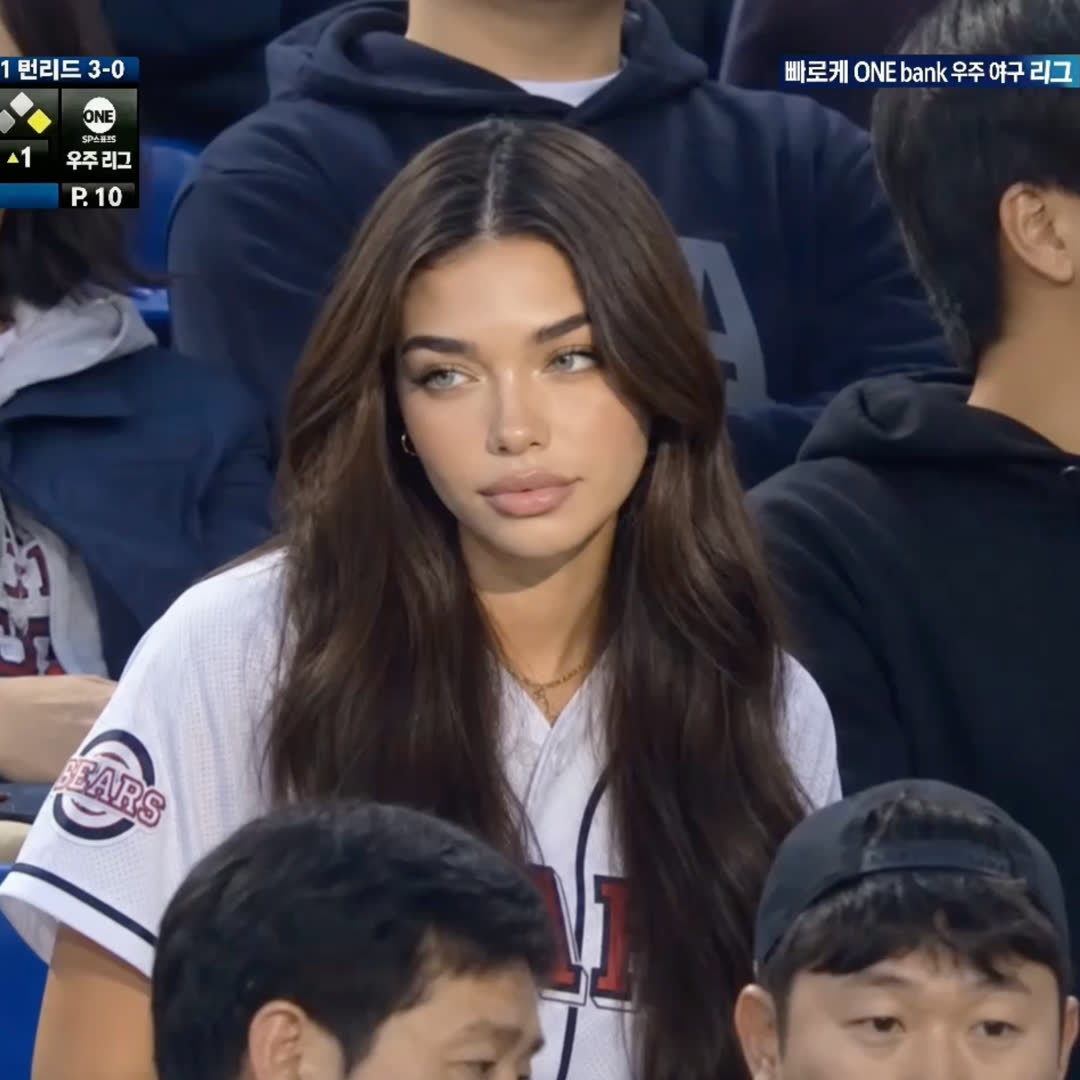
Viral originals
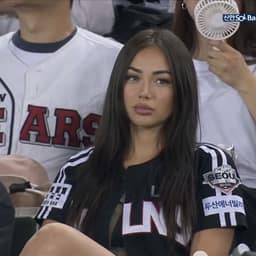
Upload one photo. Drop yourself onto a Korean Baseball field — fans cheering, dust kicking up, the whole stadium vibe.
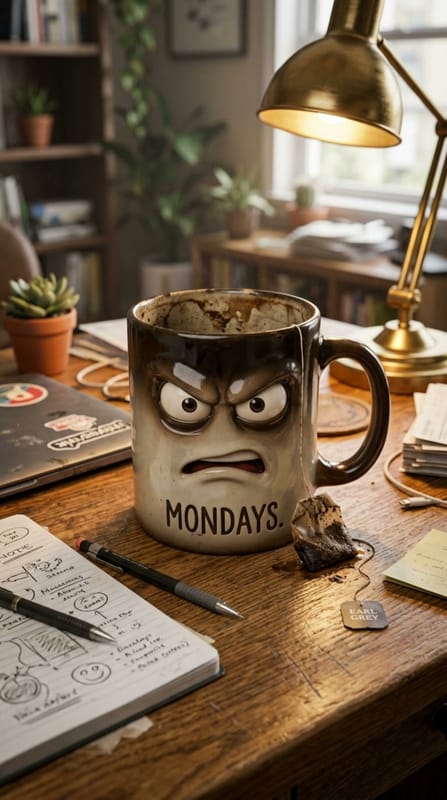
Viral originals
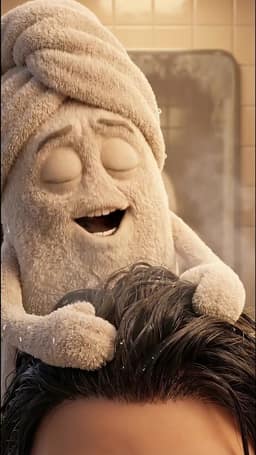
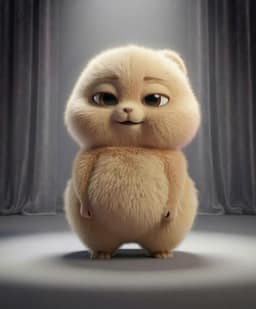
AI mascot generator that turns any household object into a talking character — prompt-shaped personality, lip-sync, voice.
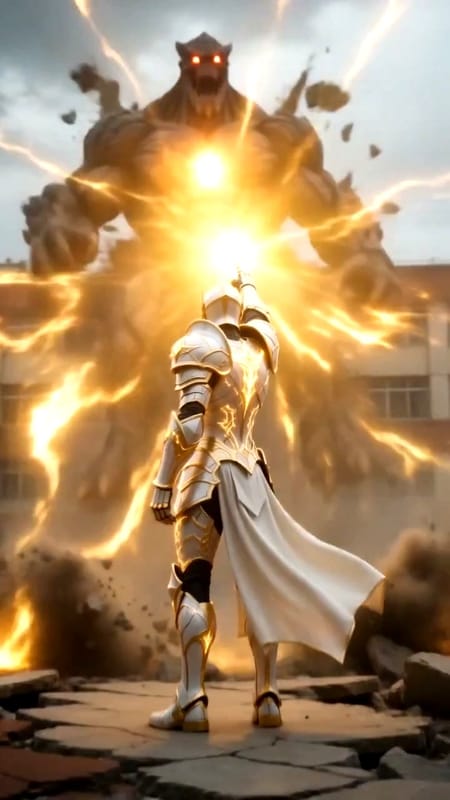
Viral originals
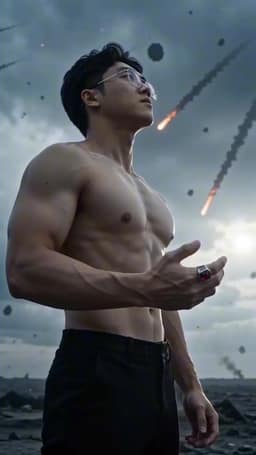
AI monster slayer video — your face as an armored warrior, a giant monster, a cinematic real-world battle.
Viral originals
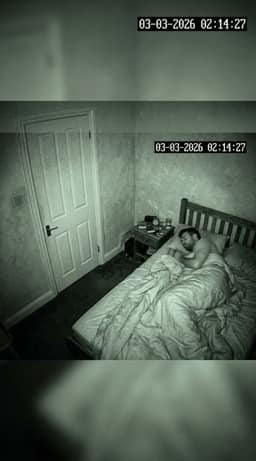
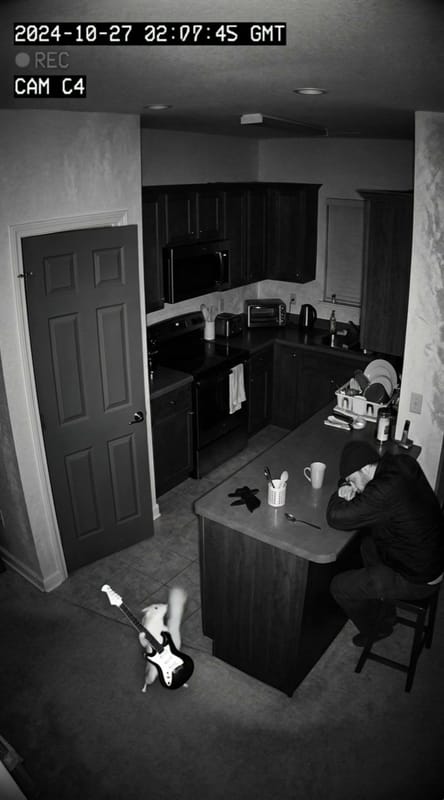
The 3AM CCTV jumpscare animal meme, preset — grainy bedroom cam, any creature you prompt, the viral TikTok punchline baked in.
Viral originals
Chinese trend
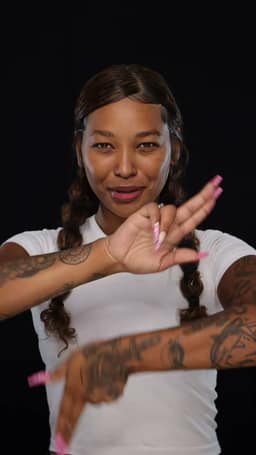
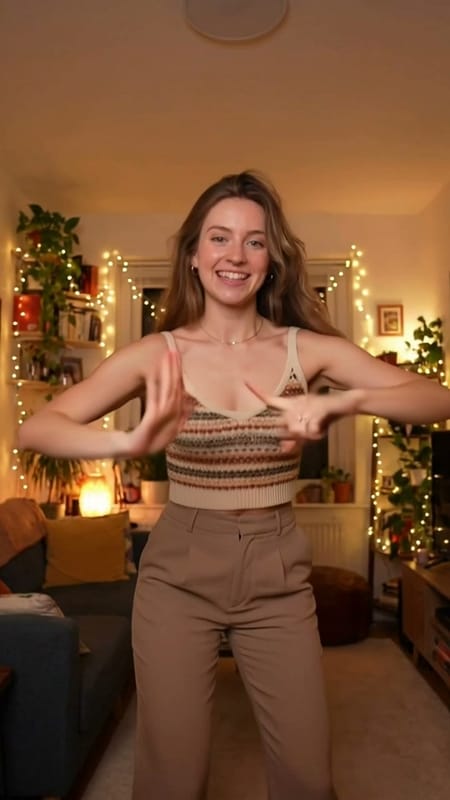
The viral Chinese Trend hand-gesture dance AI — elegant full-body motion, locked character identity, one-tap TikTok clip.
Viral originals
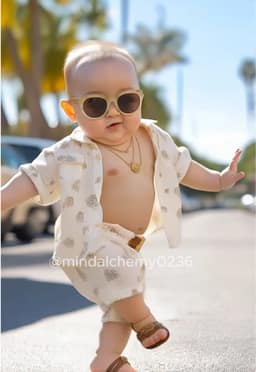
Cute Baby Dance
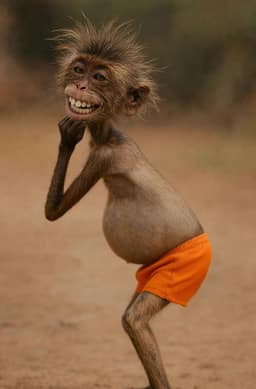
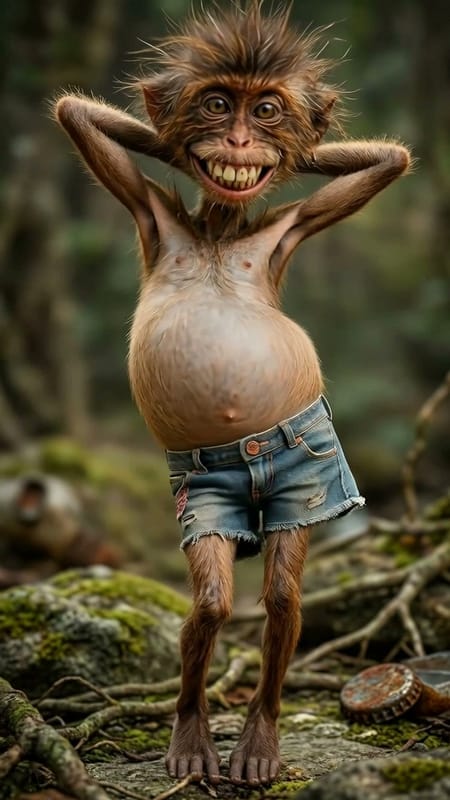
A quirky monkey performs bizarre, meme-worthy dance moves with hilarious full-body motion.
Viral originals
Cute Baby Dance
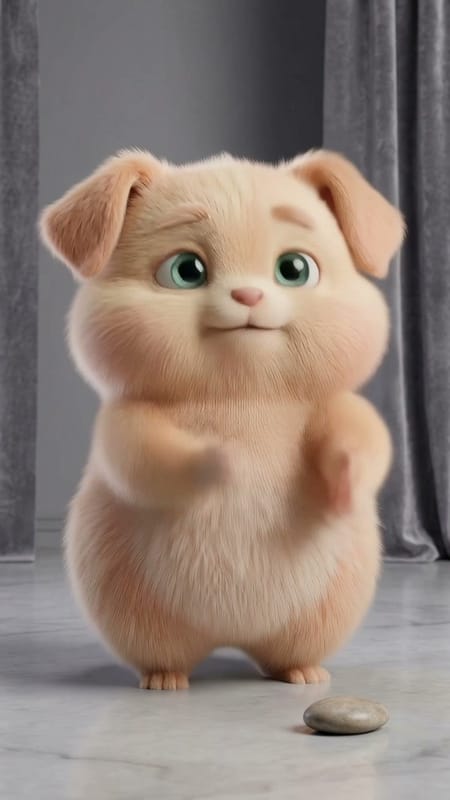
Cat, dog, panda, capybara — the fluffy AI dance roll with viral full-body moves and Surprise Me pet variants.
Viral originals
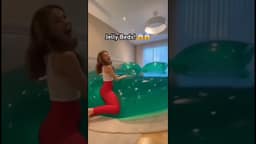
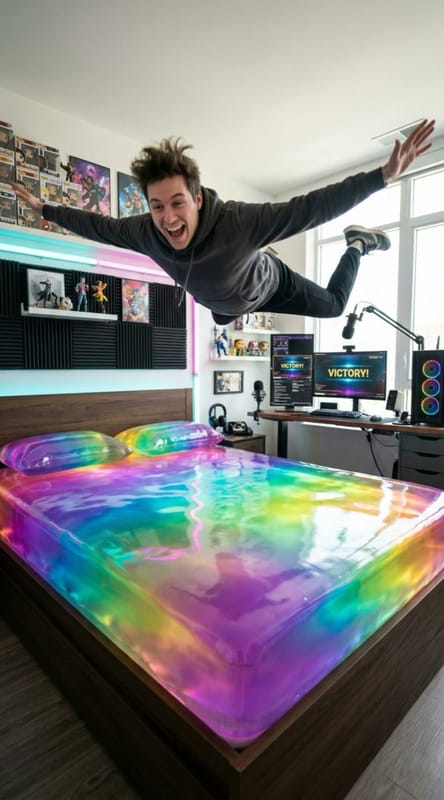
The viral AI jelly bed video trend, preset — a prompt-shaped adult, a colorful jelly mattress, and a bounce-landing punchline.
Viral originals
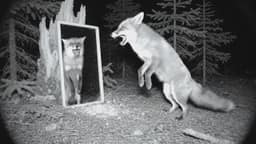
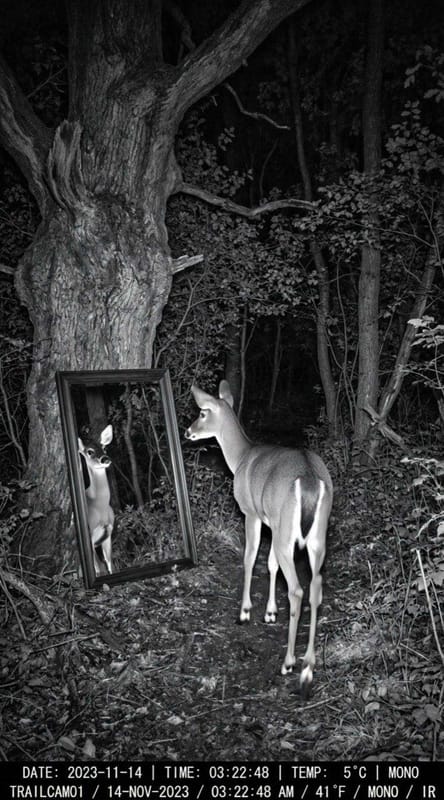
Trail-cam wildlife AI tuned for the viral mirror self-recognition moment — prompt-shaped animal, forest setting, authentic IR footage look.
Viral originals
Fortune in Motion
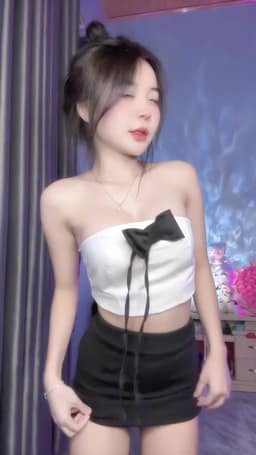
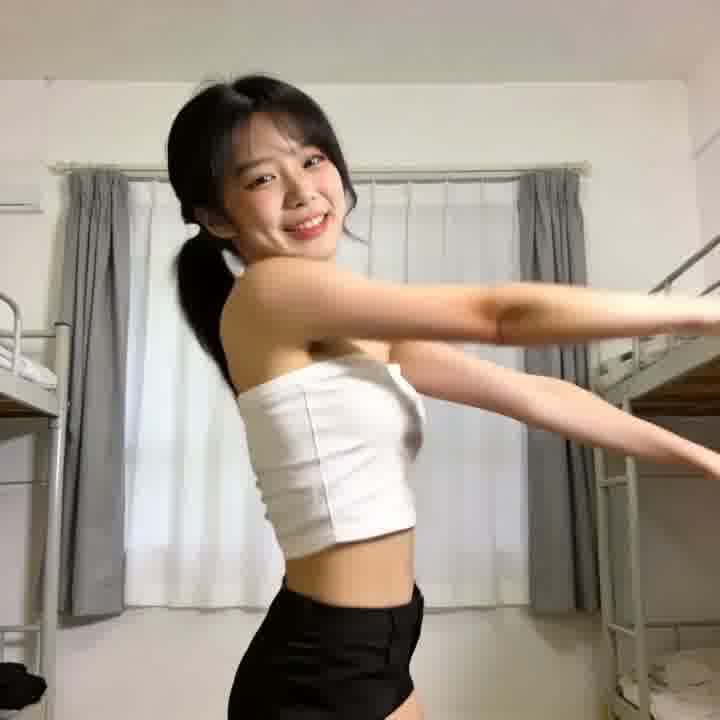
AI beauty dance video generator with a full action library — K-pop covers, character dance series, motion-controlled full-body clips.
Viral originals
Cute Baby Dance
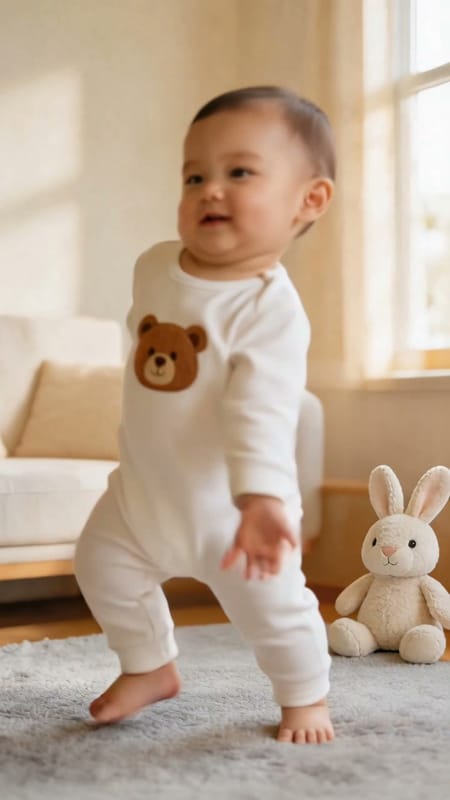
AI baby dance video generator with a toddler-safe character library — cute stylized kids, dance presets, family-feed ready.
Viral originals
Cute Baby Dance
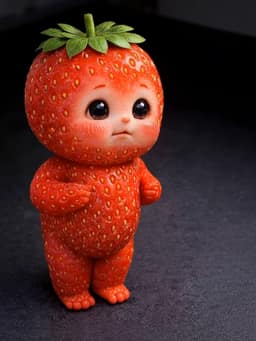
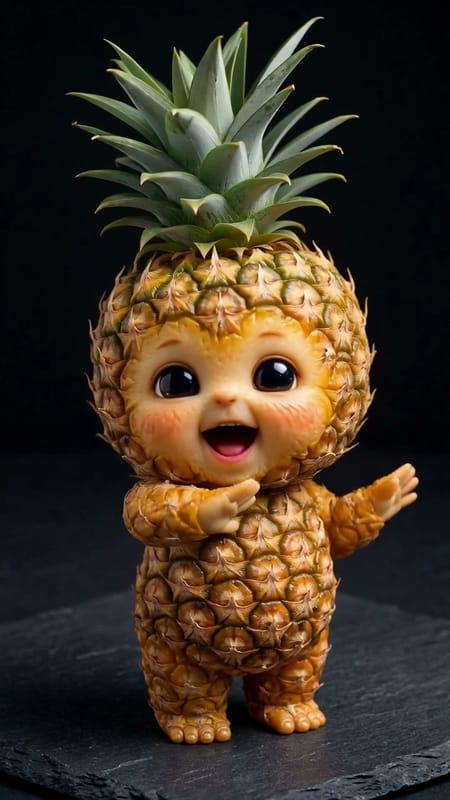
Dancing fruit template with strawberry, banana, watermelon, kiwi babies — sensory-style clips without Hey Bear trademarks.
Viral originals
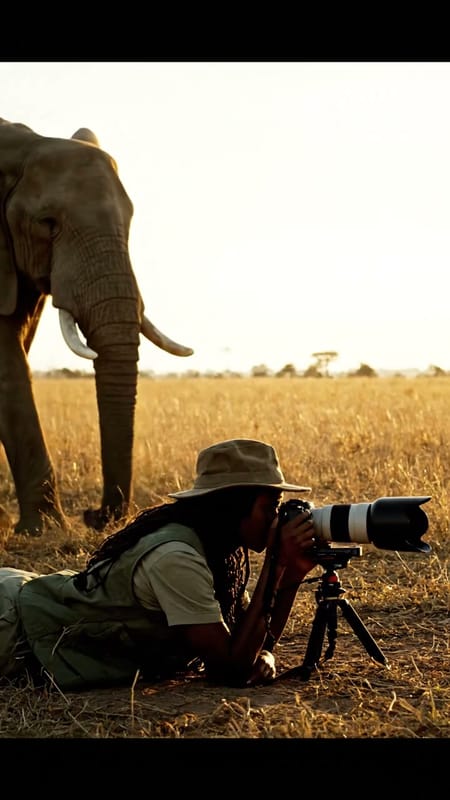
Realistic wildlife scenes — a lion approaching a photographer, elephants, cheetah chases, and more.
Viral originals
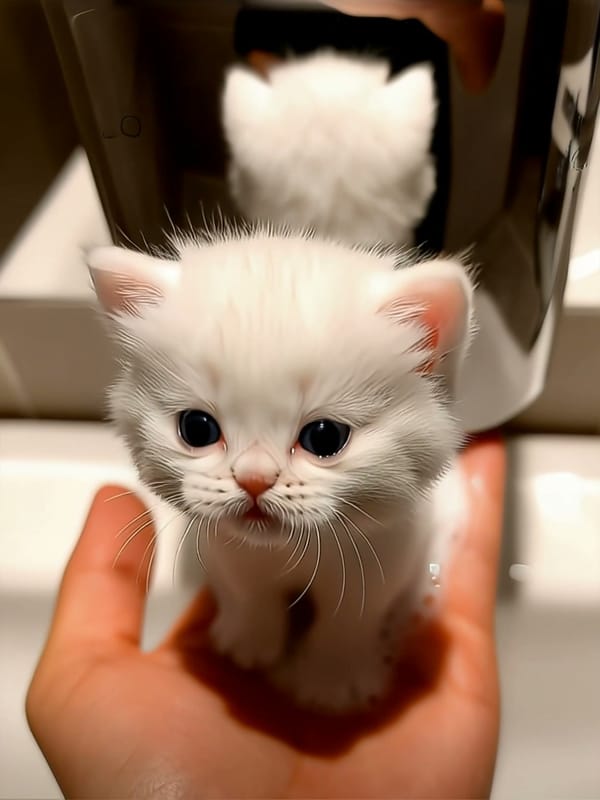
The viral soap kitten meme, preset — a soap dispenser pump and a tiny kitten emerging, validated starting frames included.
Viral originals
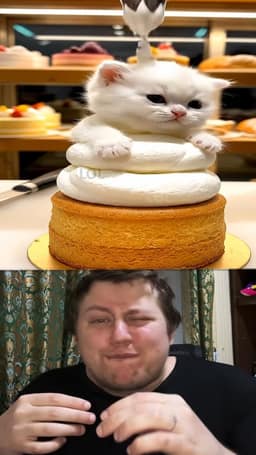
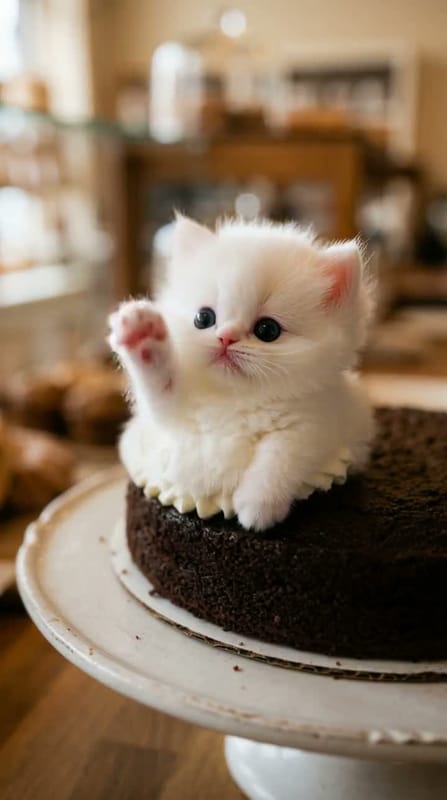
Viral cake-to-kitten morph, preset — five frosting-first starting frames, one-click kitten reveal, wholesome SFW cadence.
Viral originals
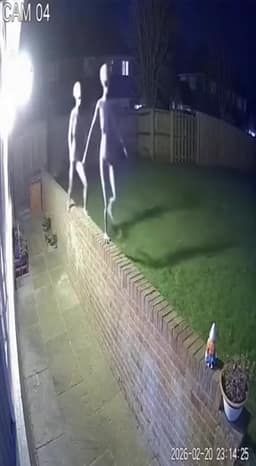
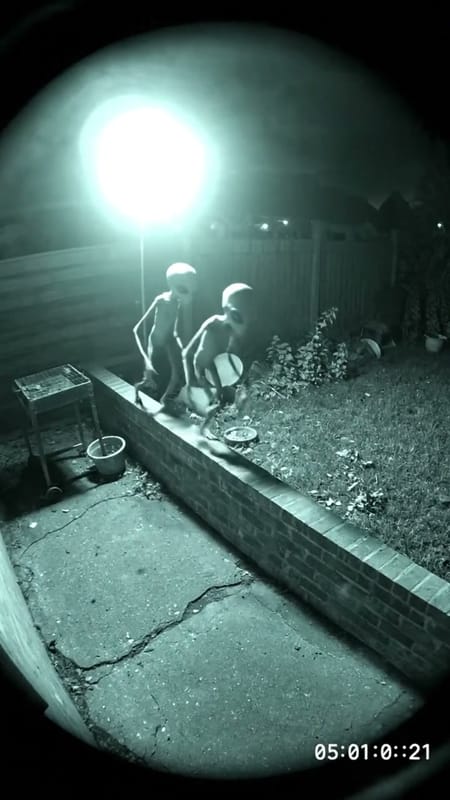
Grainy backyard CCTV footage of a suburban alien intrusion — prompt-driven subject, locked night-vision video filter.
Viral originals
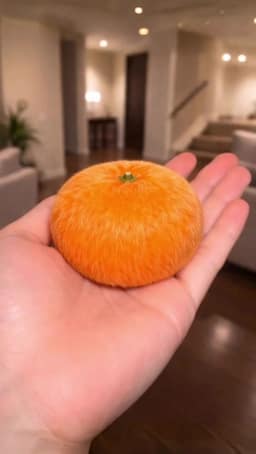
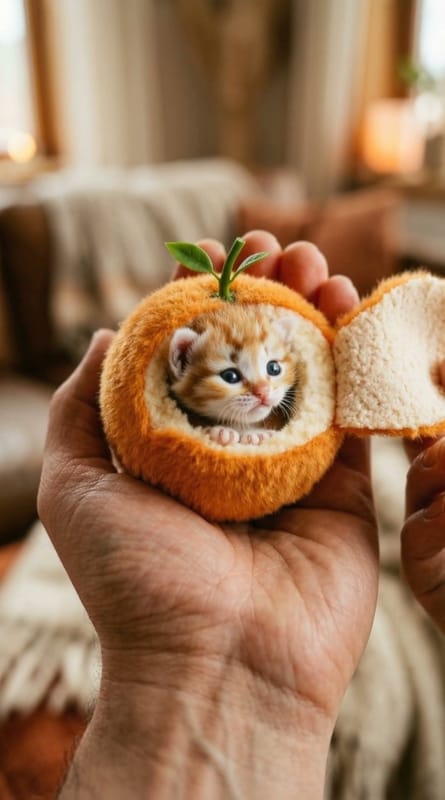
The peel-a-fruit find-a-kitten meme, preset — a fluffy orange opens into a tiny sleeping kitten, prompt-tunable lighting.
ClipTrend tracks the most viral AI video effects across TikTok and YouTube so you can recreate them with one click. Each template is tuned for that specific trend — choose your inputs, hit Generate, and download a video ready to post.
ClipTrend is a library of AI video templates built for one-click viral AI videos — an ai video template gallery where trending ai videos from TikTok and YouTube are rebuilt as reusable ai video effect templates. Each template is a locked preset: the subject is yours, the on-trend clip arrives in under 90 seconds, and engine, camera move, prompt, and post-processing are pre-tuned by trend-watching authors — no manual prompt engineering on your side.
Every ai video template in this library maps to a real viral ai video on TikTok or YouTube. When a new trending ai video breaks out, a ClipTrend trend author reproduces the look, locks the engine and prompt scaffolding, and ships it here as a one-click template. The single ai video template format removes the guesswork: you do not have to identify which model the original creator used or reverse-engineer the prompt — the template already encodes it, and the library keeps pace with the weekly refresh cycle of TikTok and YouTube trend waves.
Dance
weird-monkey, kid-dance, fluffy-animal, beauty-dance, and character motion loops.
Transform
apocalypse-transform, monster-slayer, animal-mirror.
Creature & Wildlife
backyard-alien, night-crazy-animals, wildlife-story.
Meme & Story
talking-object, jelly-mattress, face-swap, soap-kitten, cake-kitten, and fruit-kitten series.
Tap any question to expand.
Prebuilt one-click effects that turn your photo or prompt into a specific viral style. ClipTrend offers the latest viral templates across dance, animal, creative, romance, horror, and meme categories — covering dance loops, animal scenes, character transforms, and viral meme formats made for TikTok, YouTube Shorts, and Reels.
Each ai video effect template locks the engine, camera move, and prompt scaffolding so you only supply the subject — no manual prompt engineering or model picking. The system routes to the right engine (Kling, Seedance 2, Veo 3.1, Wan 2.7, or Grok Imagine when compatible), applies the preset camera move, and returns the final MP4 in under 90 seconds.
Every template is free to preview — browse the full catalog with no signup required. ClipTrend is pay-as-you-go: credit packs start at $19.90 with no subscription required, each template shows its exact credit cost before you click Generate, and failed renders are refunded automatically.
Yes. Adjust the prompt, switch engines (Kling, Seedance 2, Veo 3.1, Wan 2.7, Grok Imagine when compatible), change aspect ratio, and drop in your own reference image.
The Trending tab surfaces the current viral ai video templates; from there each one takes a photo or a short subject prompt and returns an MP4 in 30 to 90 seconds — ready for immediate download.
Yes. Every paid generation carries full commercial rights — paid ads, client work, sponsored posts, monetised YouTube Shorts. Paid exports are watermark-free.
Two to four new templates ship weekly as fresh trends emerge on TikTok and YouTube. Check this gallery for the latest releases.