ClipTrend.ai Blog
AI Video Guides & Tutorials
Tutorials, model guides, and best practices for AI image-to-video and photo-to-video, from the ClipTrend.ai team.
Welcome to the ClipTrend AI video blog — practical AI video guides for turning a single photo into a finished clip. Each post breaks down a real workflow: which model to pick (Kling, Veo 3.1, Seedance 2, Sora 2, or Wan), how to write a prompt that holds up, and how to recreate the trending effects creators are posting on TikTok and YouTube Shorts. Whether you are comparing image-to-video engines, troubleshooting a render, or hunting for the next viral format, these AI video guides give you a tested, step-by-step path instead of guesswork.
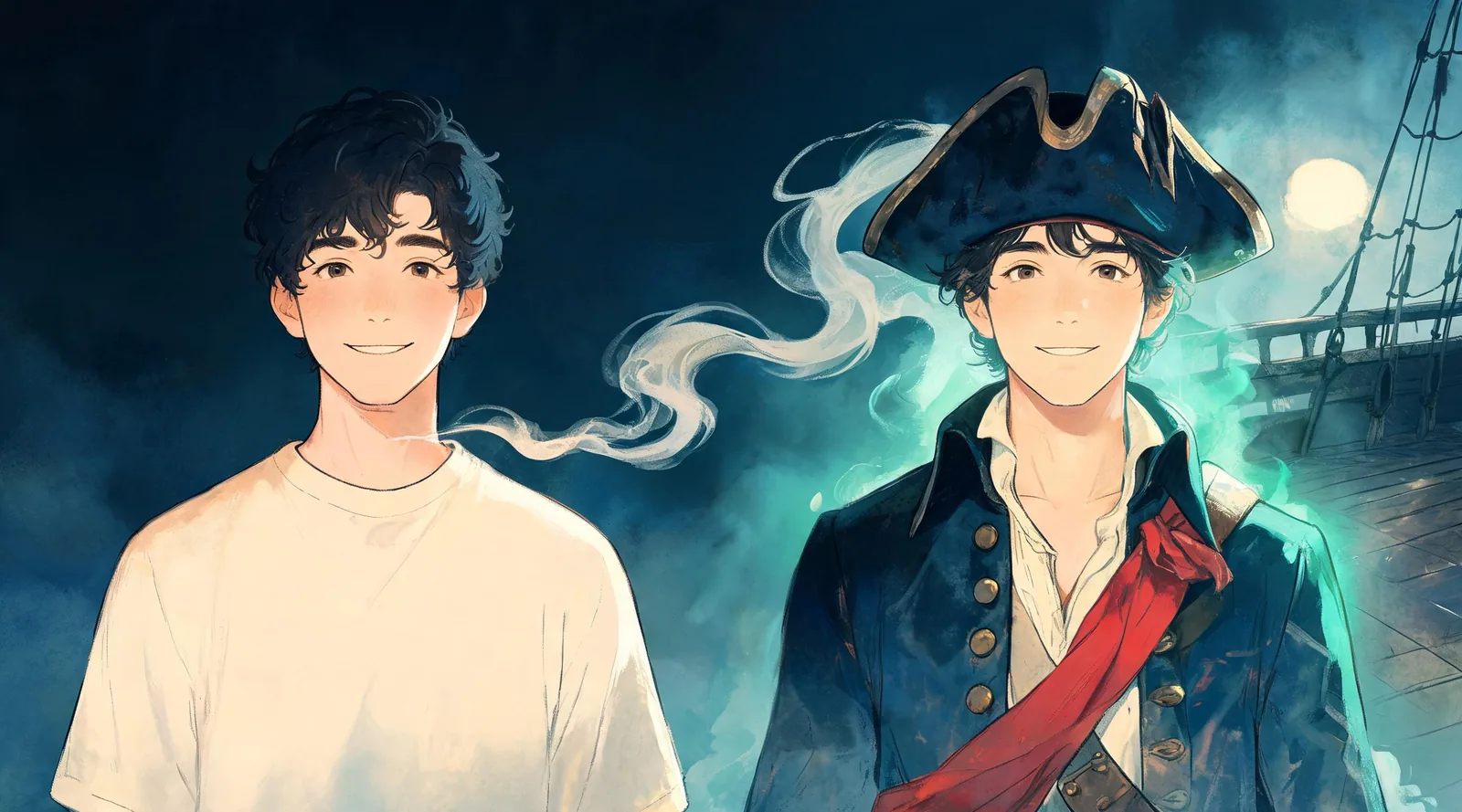
AI Pirate: How to Turn Yourself Into a Pirate Captain
Make an AI pirate photo from a clear selfie. Follow the captain preset, check your portrait, add a partner, or turn the finished picture into a short video.
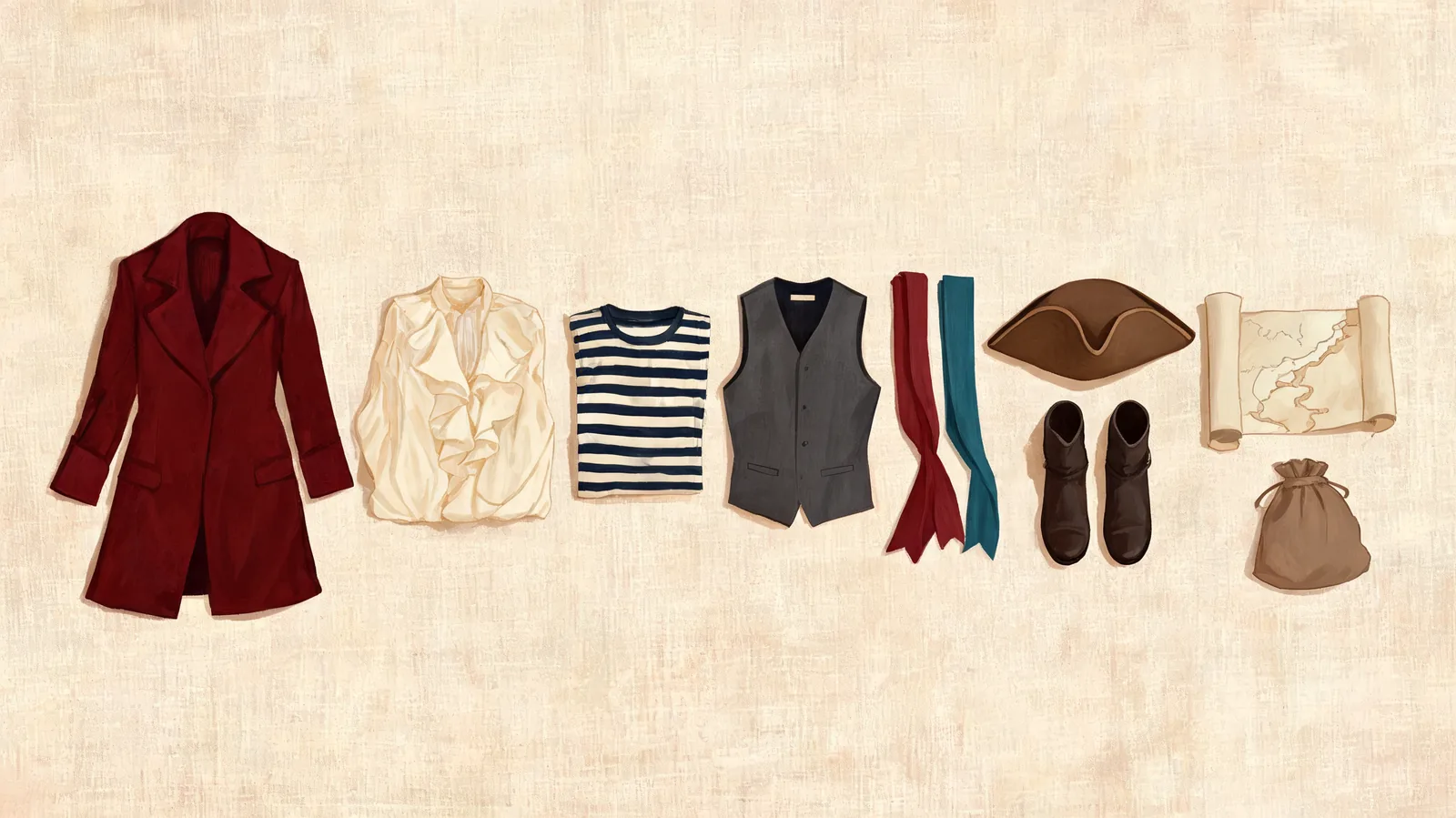
Pirate Costume Ideas: 7 Looks to Preview Before Halloween
Choose pirate costume ideas for a solo look, couple, or crew. Compare seven outfits by clothing and effort, then preview a direction on your own photo.
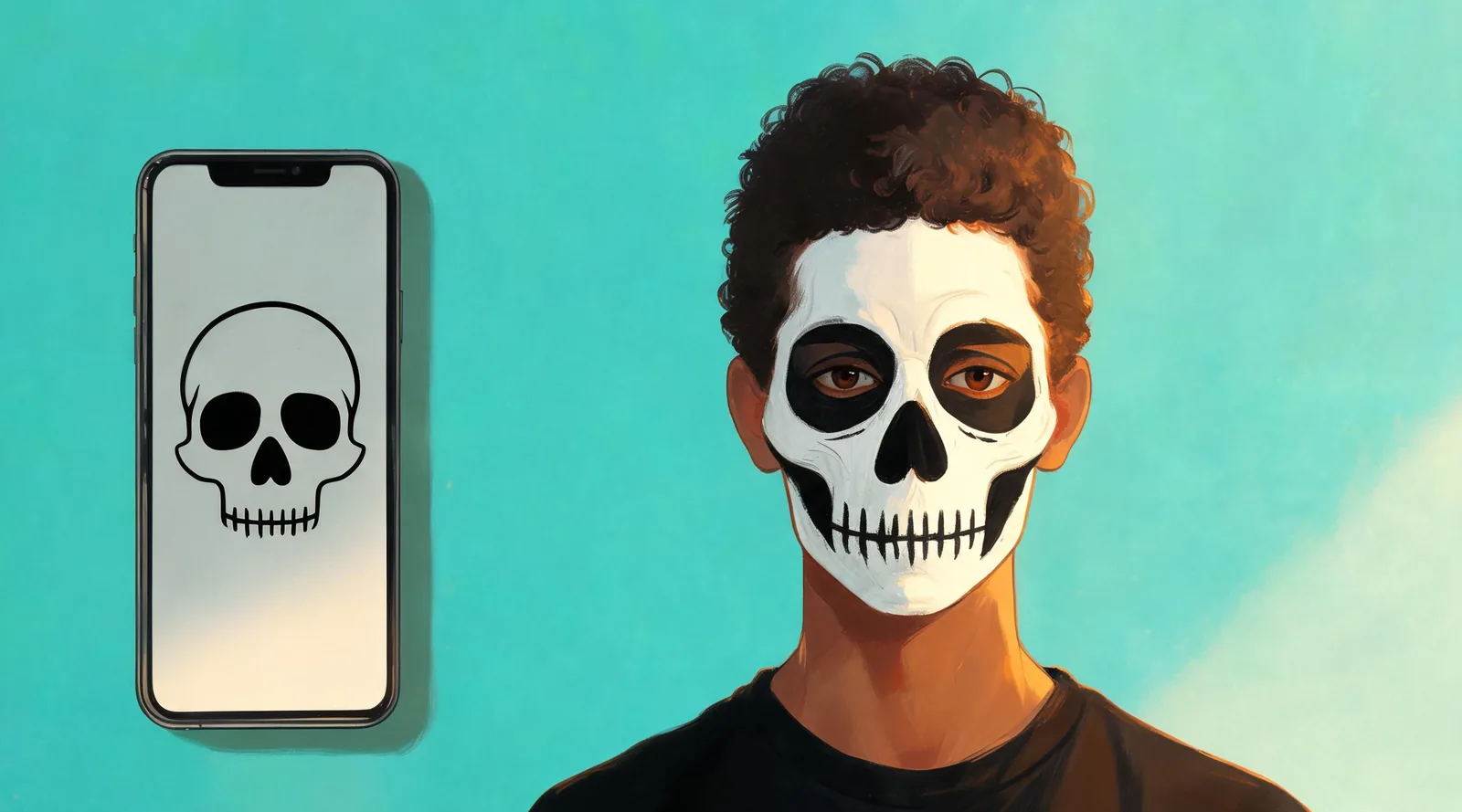
AI Skeleton: How to Get Skull Face Paint on Your Photo
Create an AI skeleton photo from a selfie with black-and-white skull paint. Follow the solo and couple steps, save a makeup reference, or add a short video.
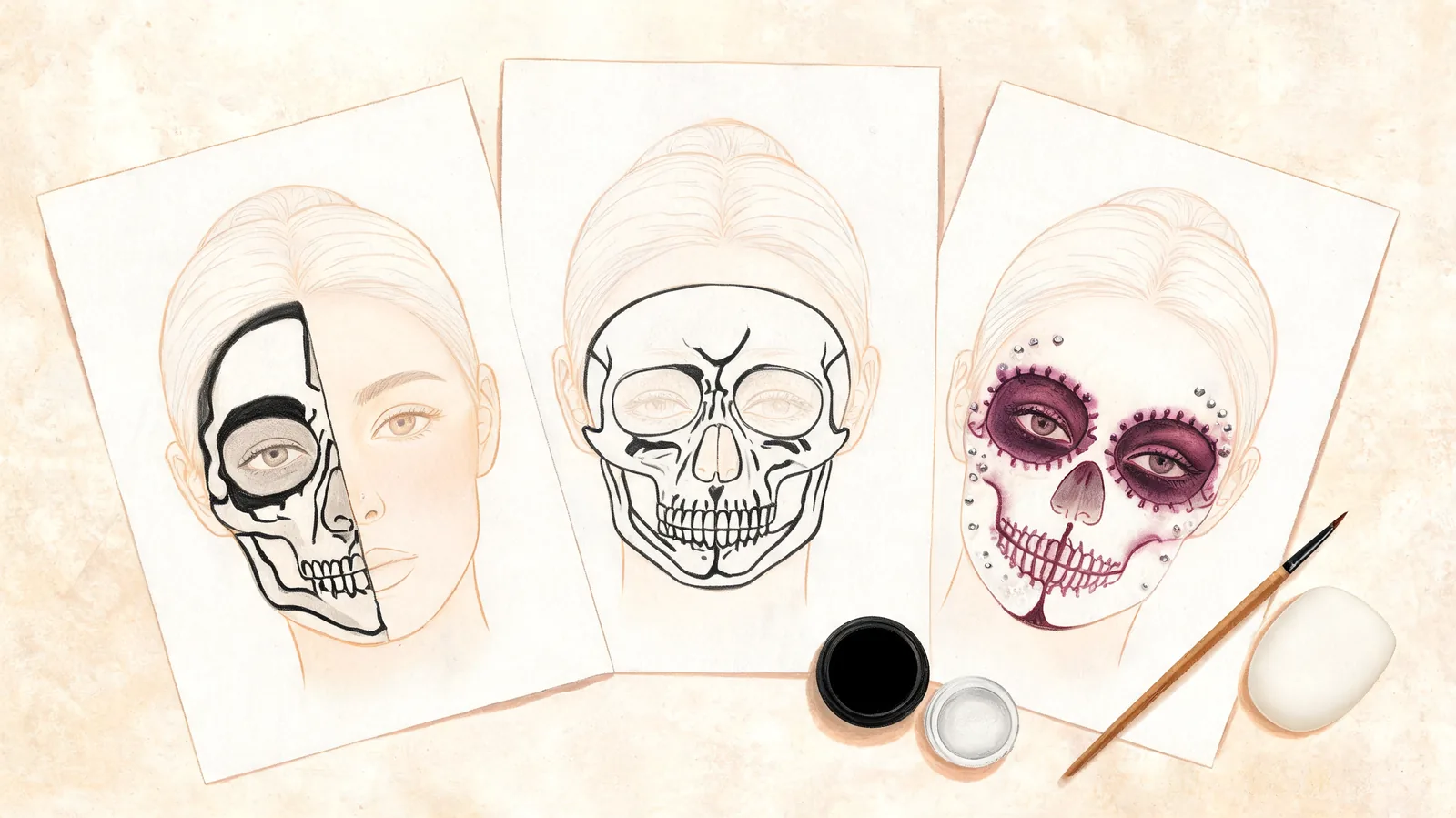
Skeleton Face Paint Ideas: 7 Styles to Preview and Paint
Compare seven skeleton face paint ideas by difficulty, supplies and coverage. Choose a half skull, full skull or glam look, then preview a direction on your face.
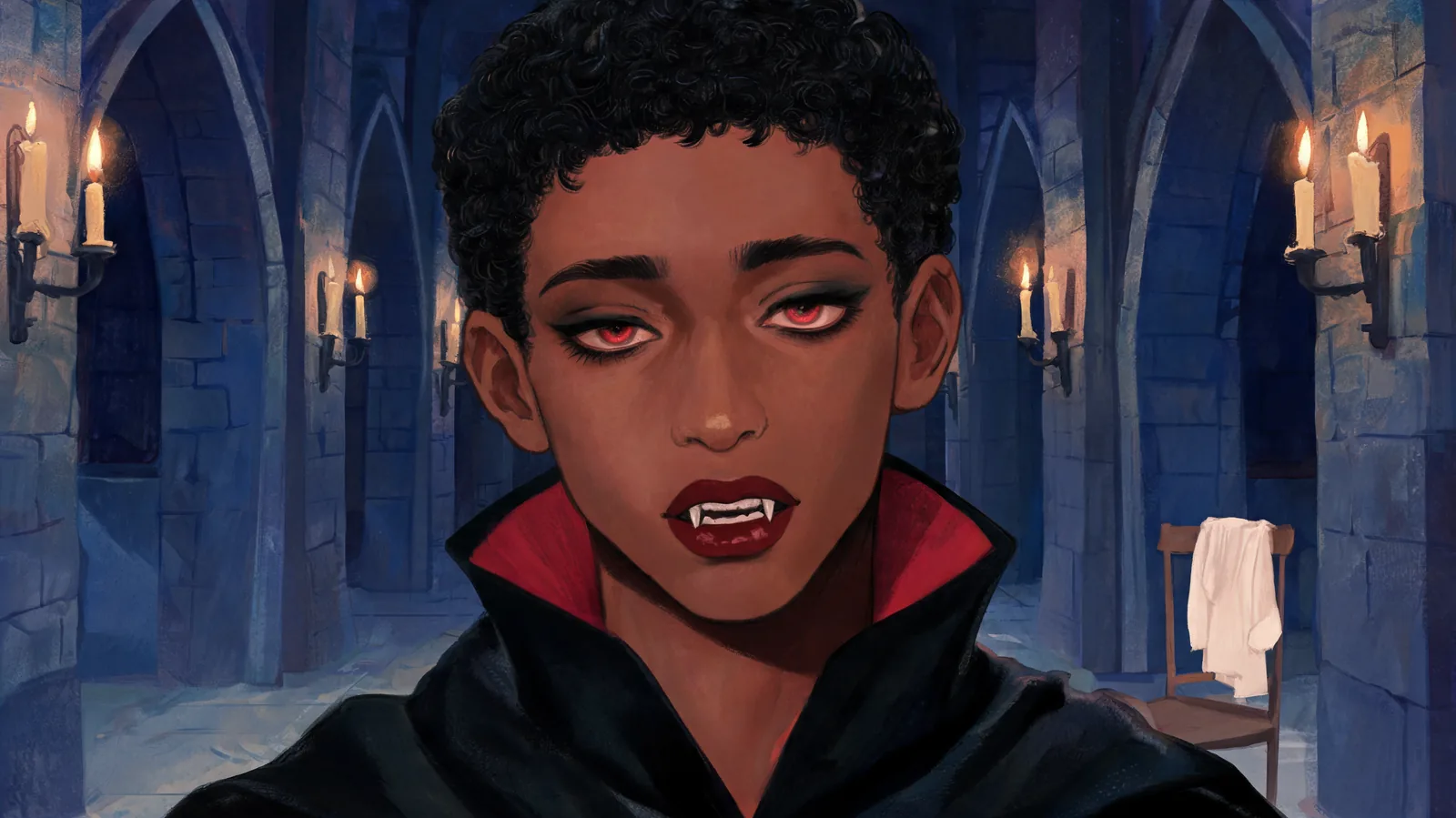
AI Vampire: How to Turn Your Photo Into a Vampire
Turn a clear selfie into an AI vampire portrait with a cape, fangs and gothic makeup. Follow the photo steps, try two people, and choose an optional video.
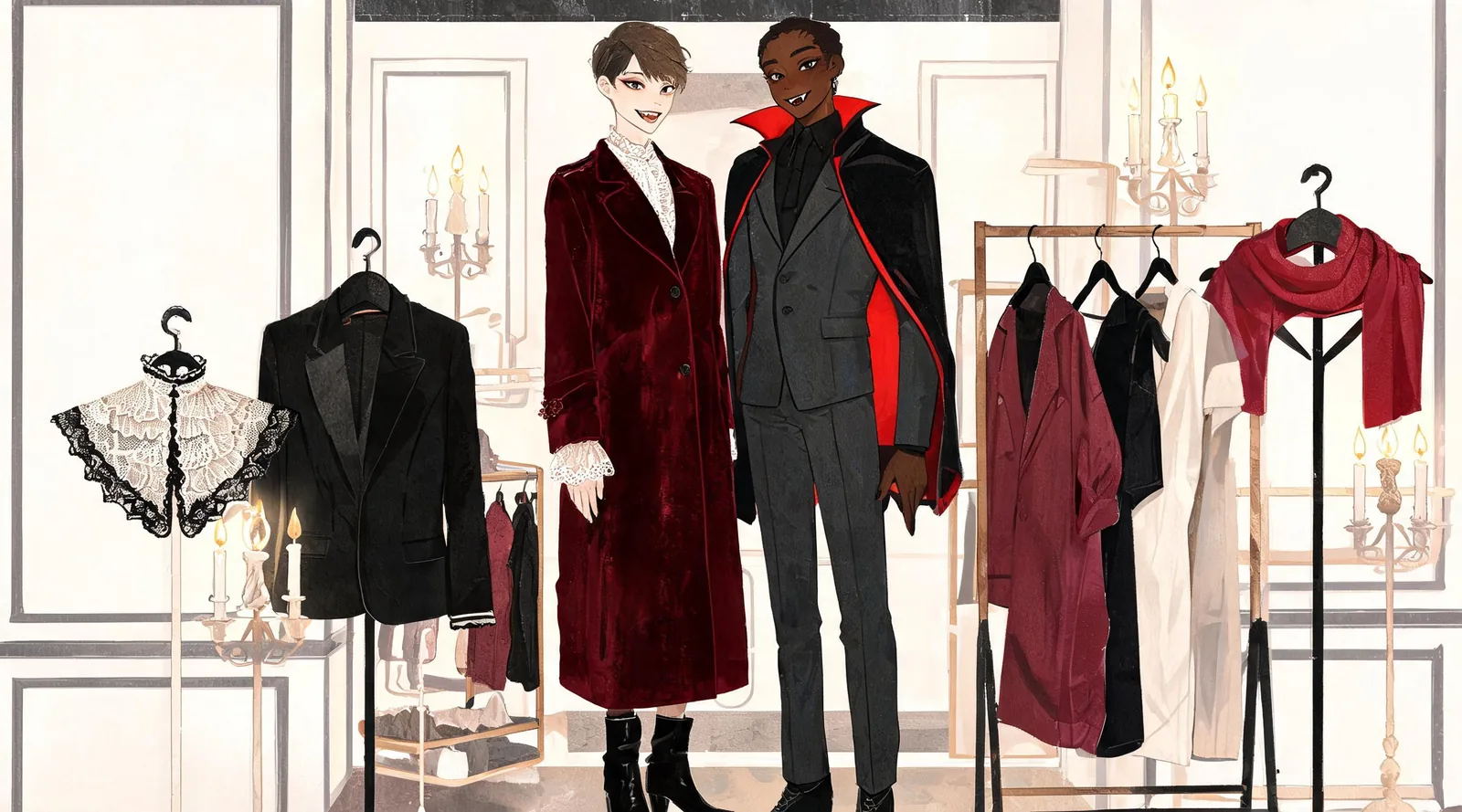
Vampire Couple Costume Ideas You Can Preview on Yourselves
Compare seven vampire couple costume ideas, from classic capes to modern goth looks. Choose clothing and makeup, then preview a pair using two selfies.
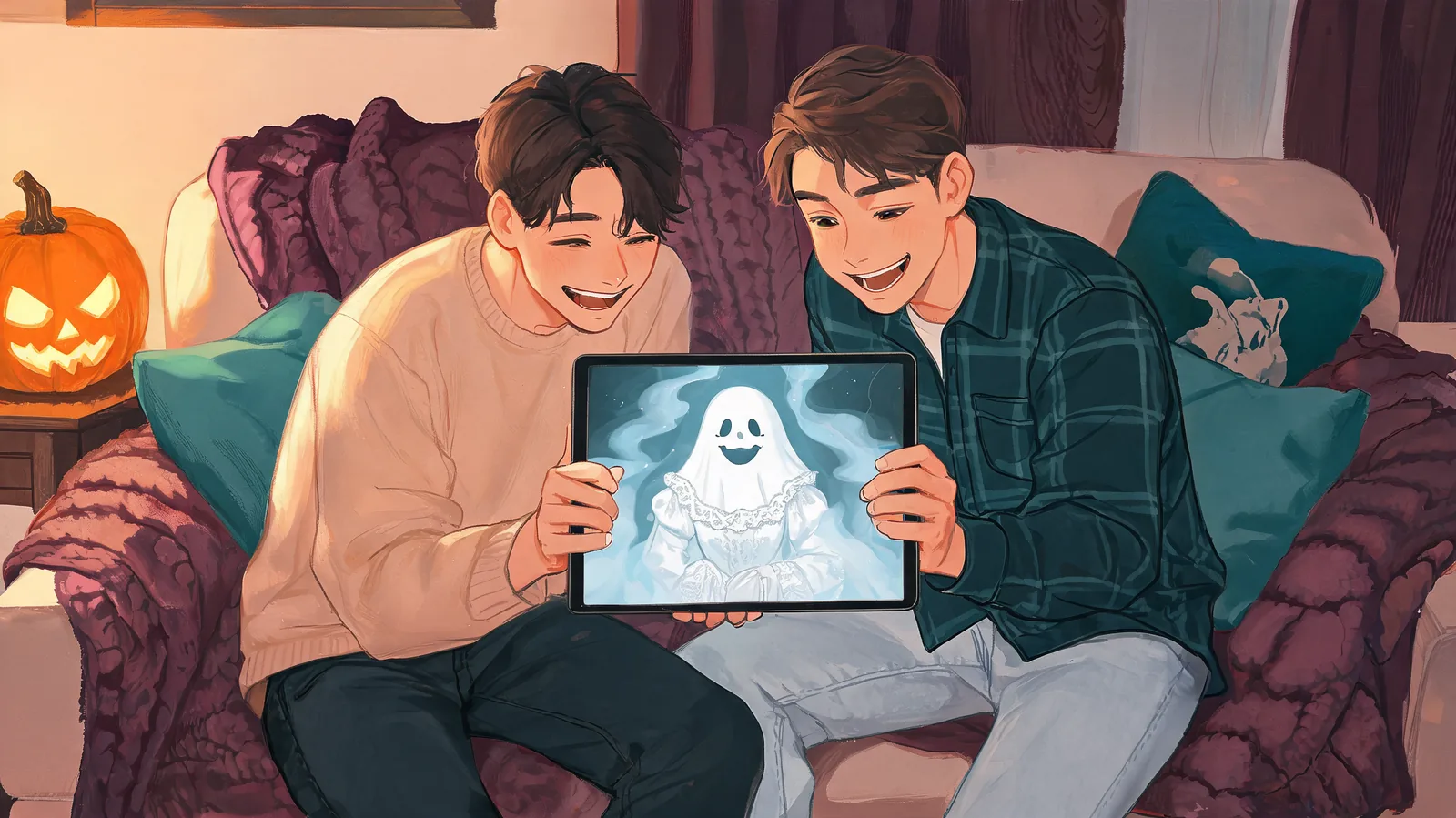
Ghost Filter Prank: What It Is and How to Do It Online
Understand the ghost filter prank, how a photo reveal differs from a live lens, and how to make a consenting friend's ghost portrait without installing an app.
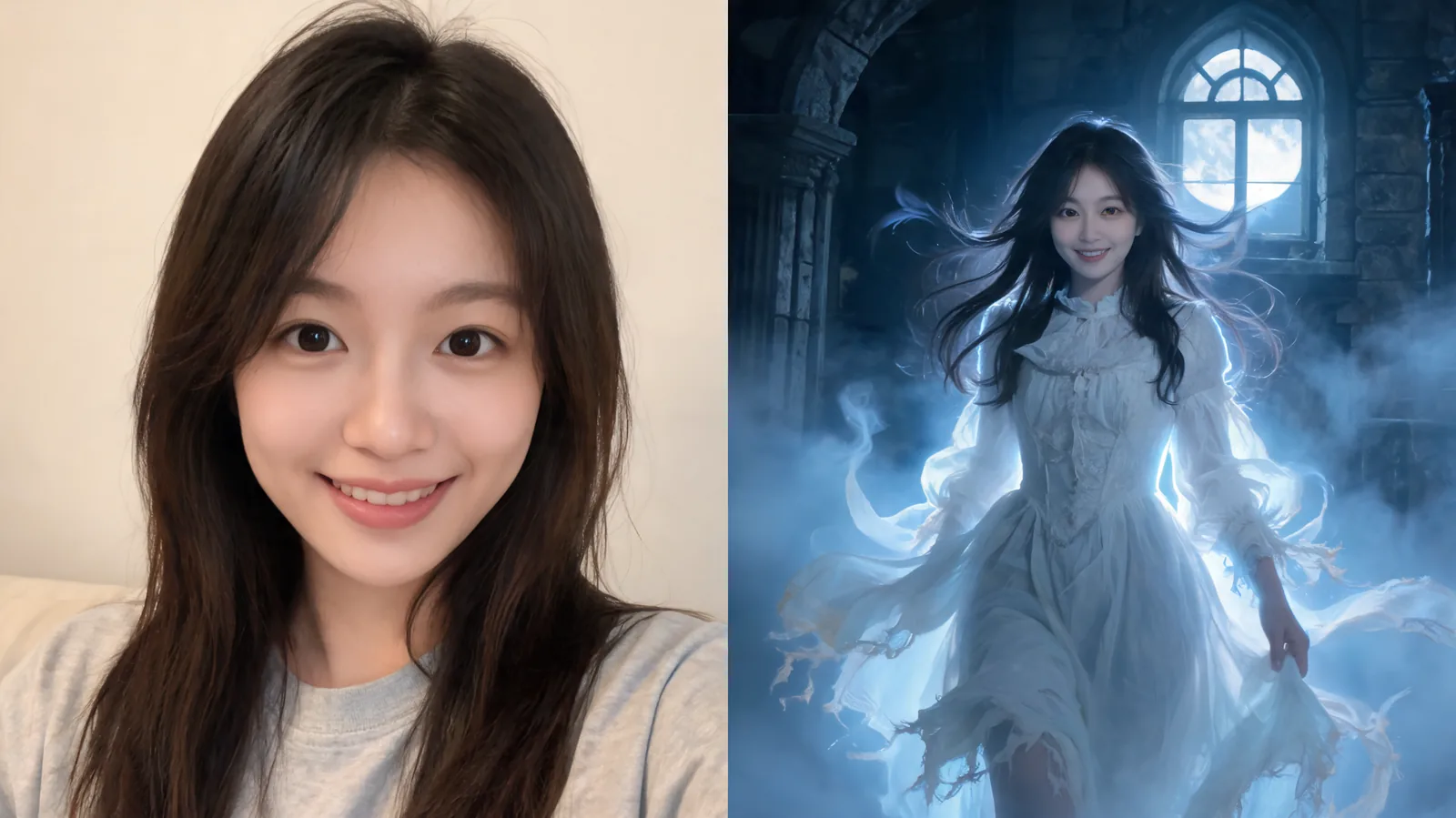
AI Ghost: How to Turn Your Photo Into a Ghost
Make an AI ghost photo from a clear selfie with ClipTrend's Victorian Ghost preset. Follow the solo or couple steps, then choose an optional short video.
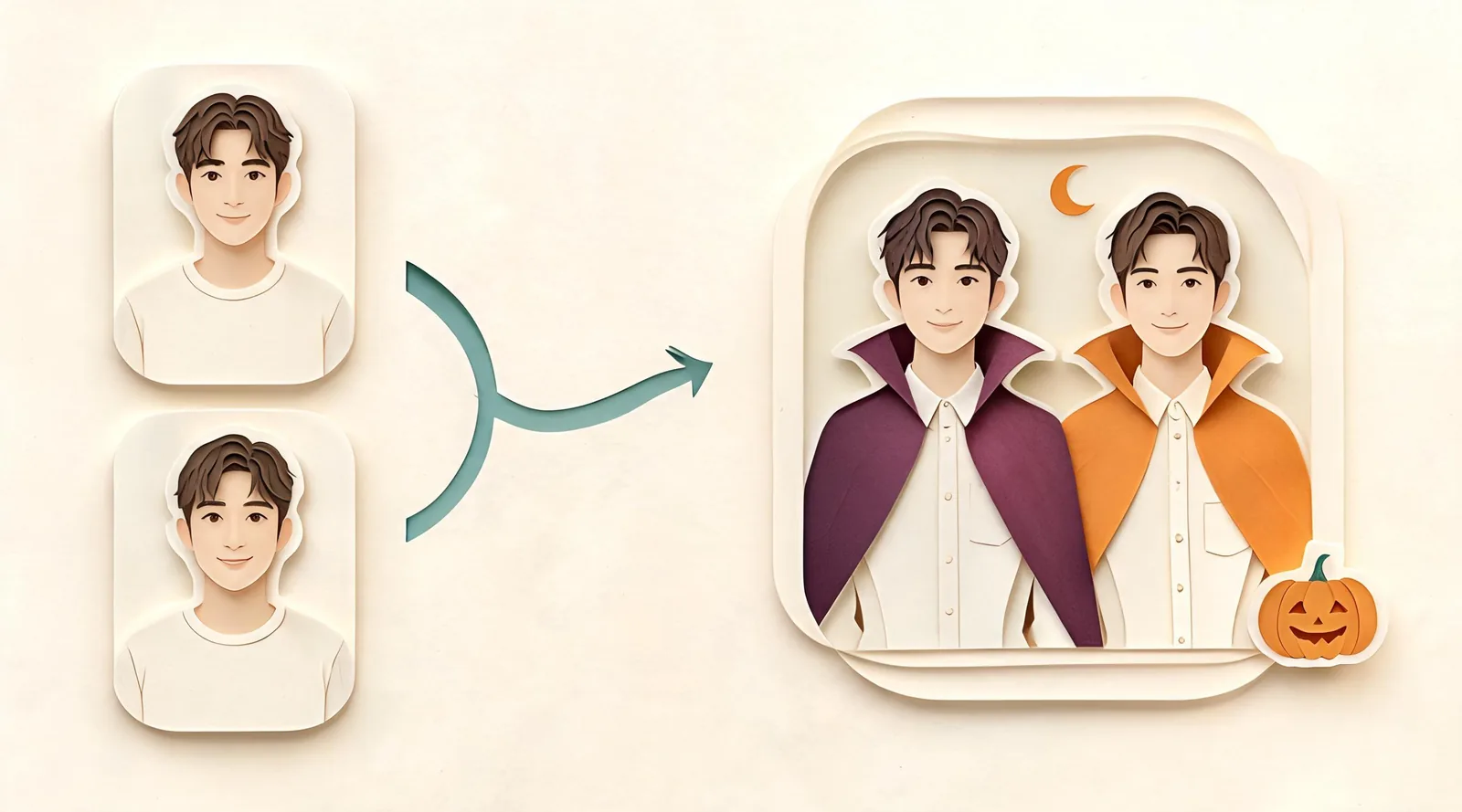
How to Try On Couples Halloween Costumes Before You Buy
Learn how to try on couples Halloween costumes with two separate selfies, a preset or costume screenshot, and a three-look comparison before buying.
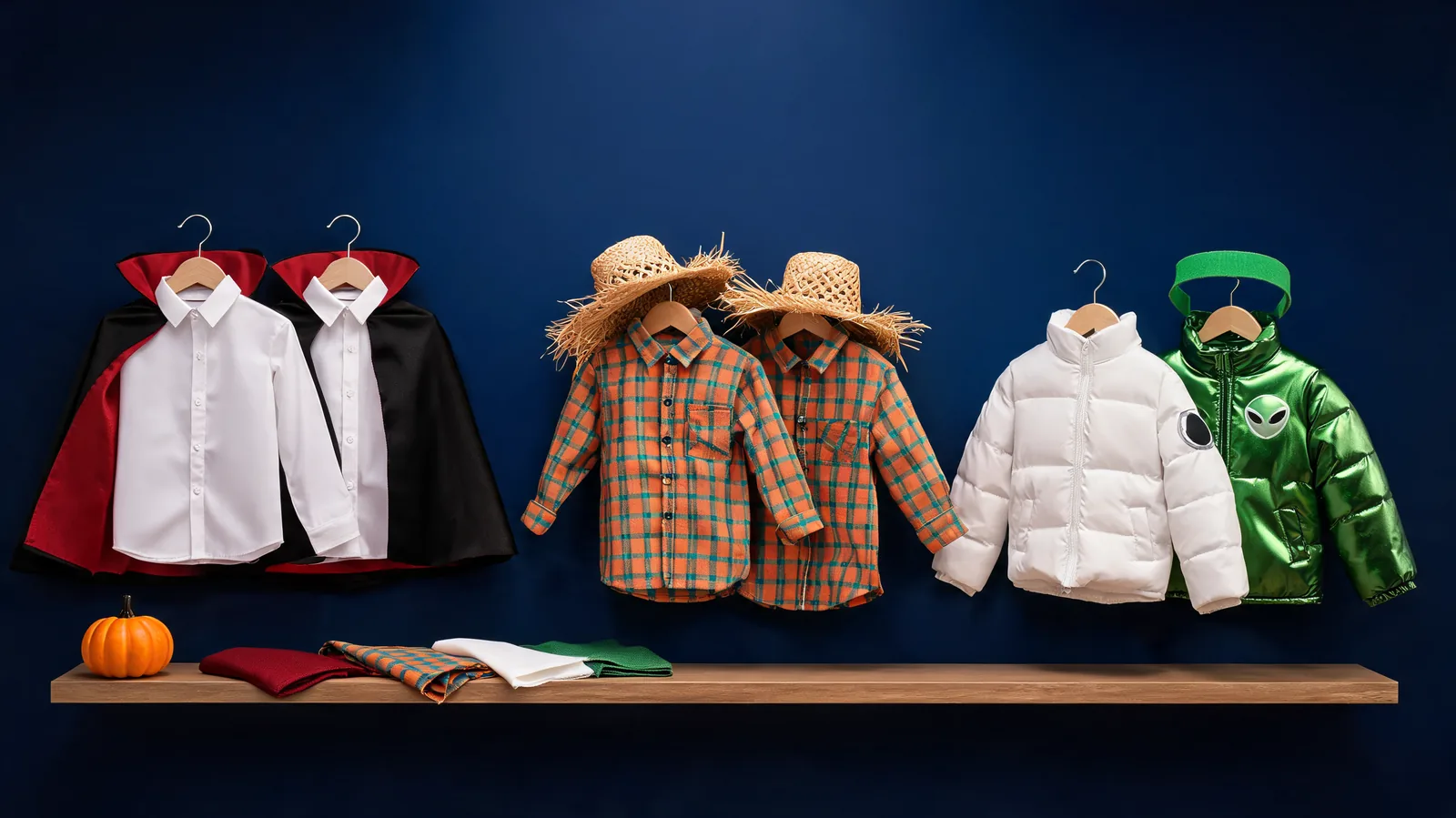
12 Couples Halloween Costume Ideas for 2026 to Preview
Compare 12 couples Halloween costume ideas by outfit pieces, makeup effort, and DIY budget level, then preview your favorite pair before choosing.
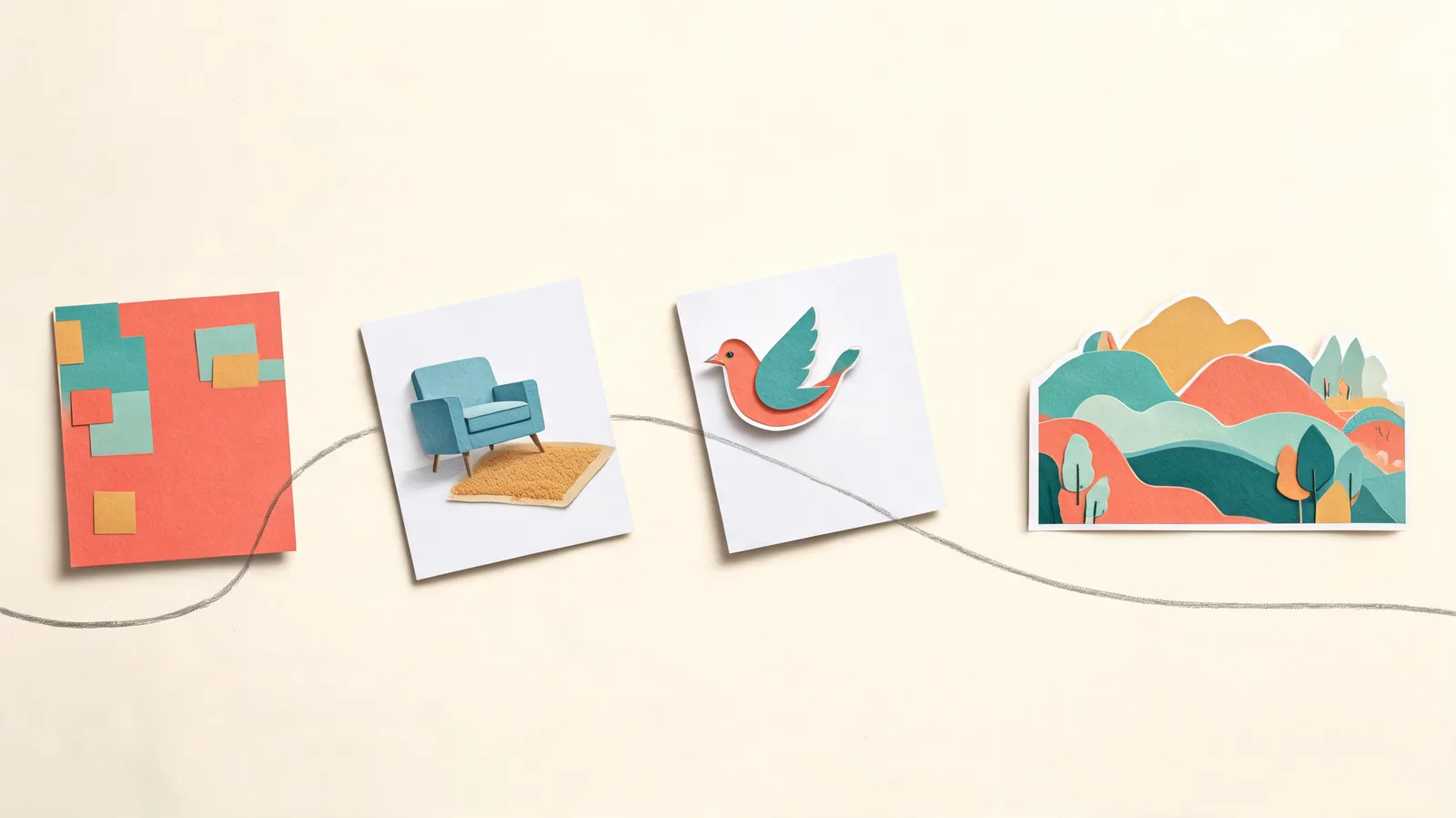
How to Use GPT Image 2.5: Flare, Sunburst and References
Learn how to use GPT Image 2.5 on ClipTrend. Choose Flare or Sunburst, add up to 16 references, set framing, and download with three practical prompts.
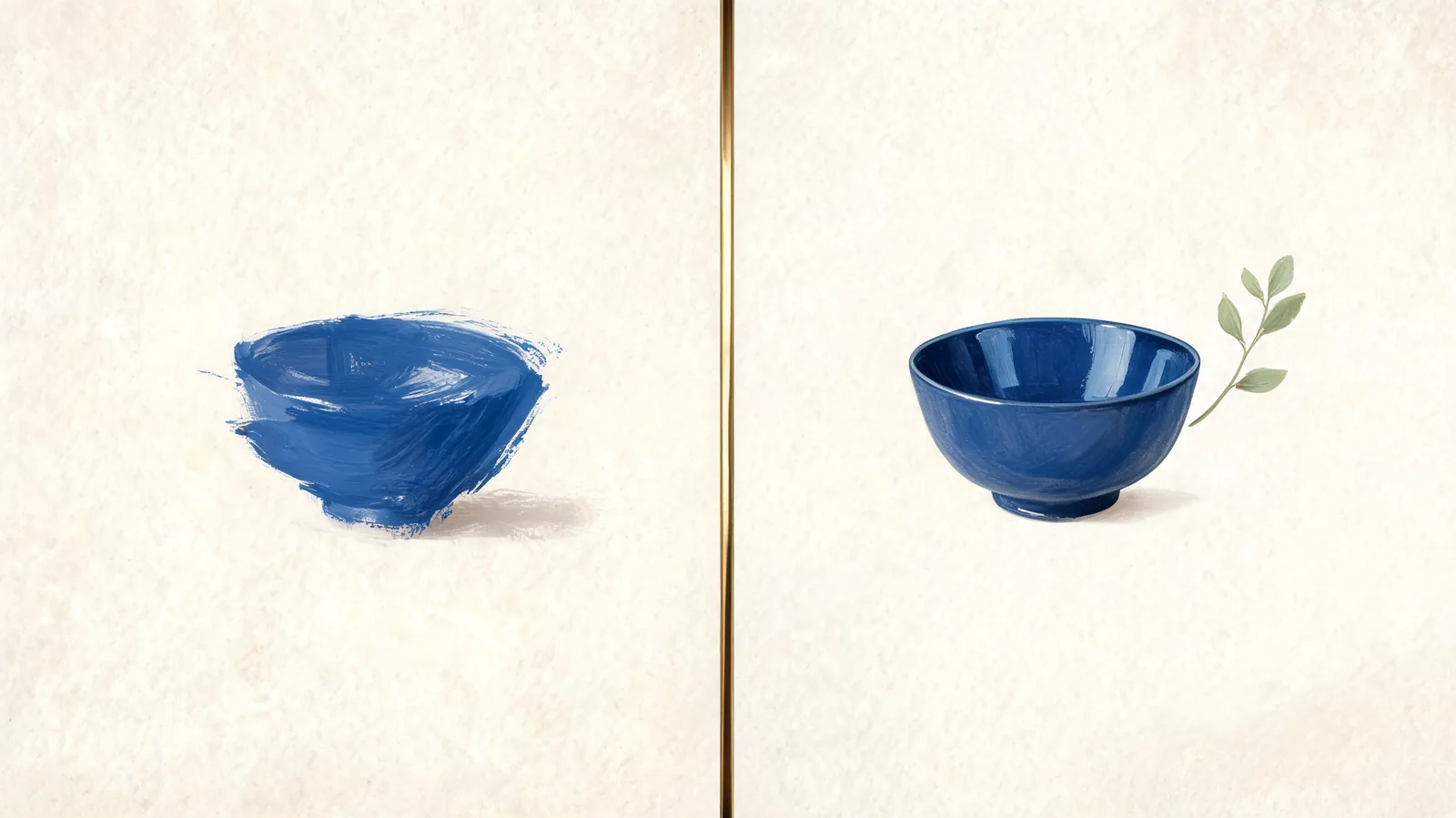
GPT Image 2.5 Sunburst vs Flare: Which Should You Use?
Compare GPT Image 2.5 Sunburst vs Flare: speed, editing priorities, equal ClipTrend credits, and what a real same-prompt still-life pair can show.
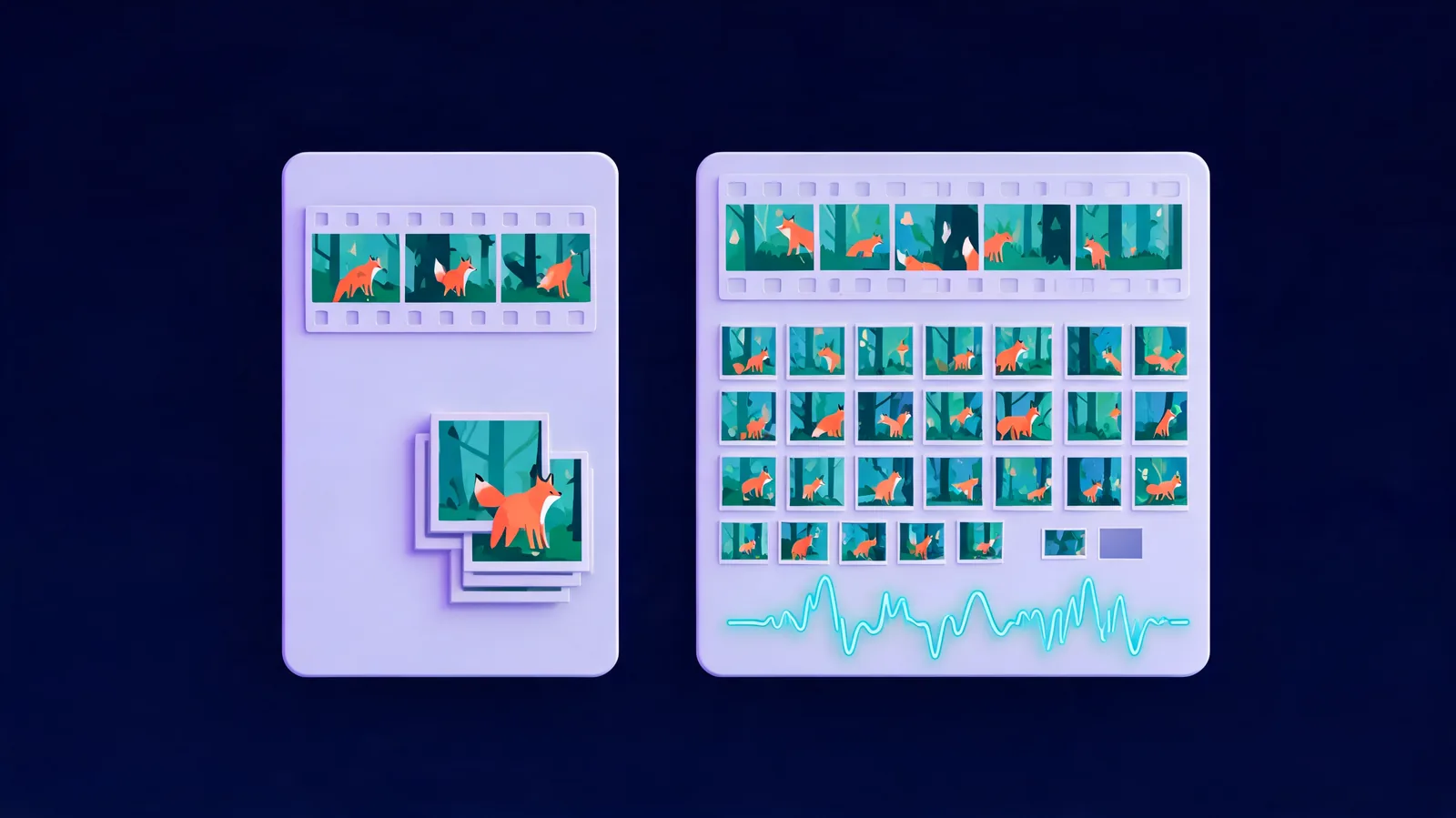
What Is Seedance 2.5? Features, Limits and Seedance 2
What is Seedance 2.5? Understand ByteDance's video model, its longer clips and reference limits, how it differs from Seedance 2, and where to try it.
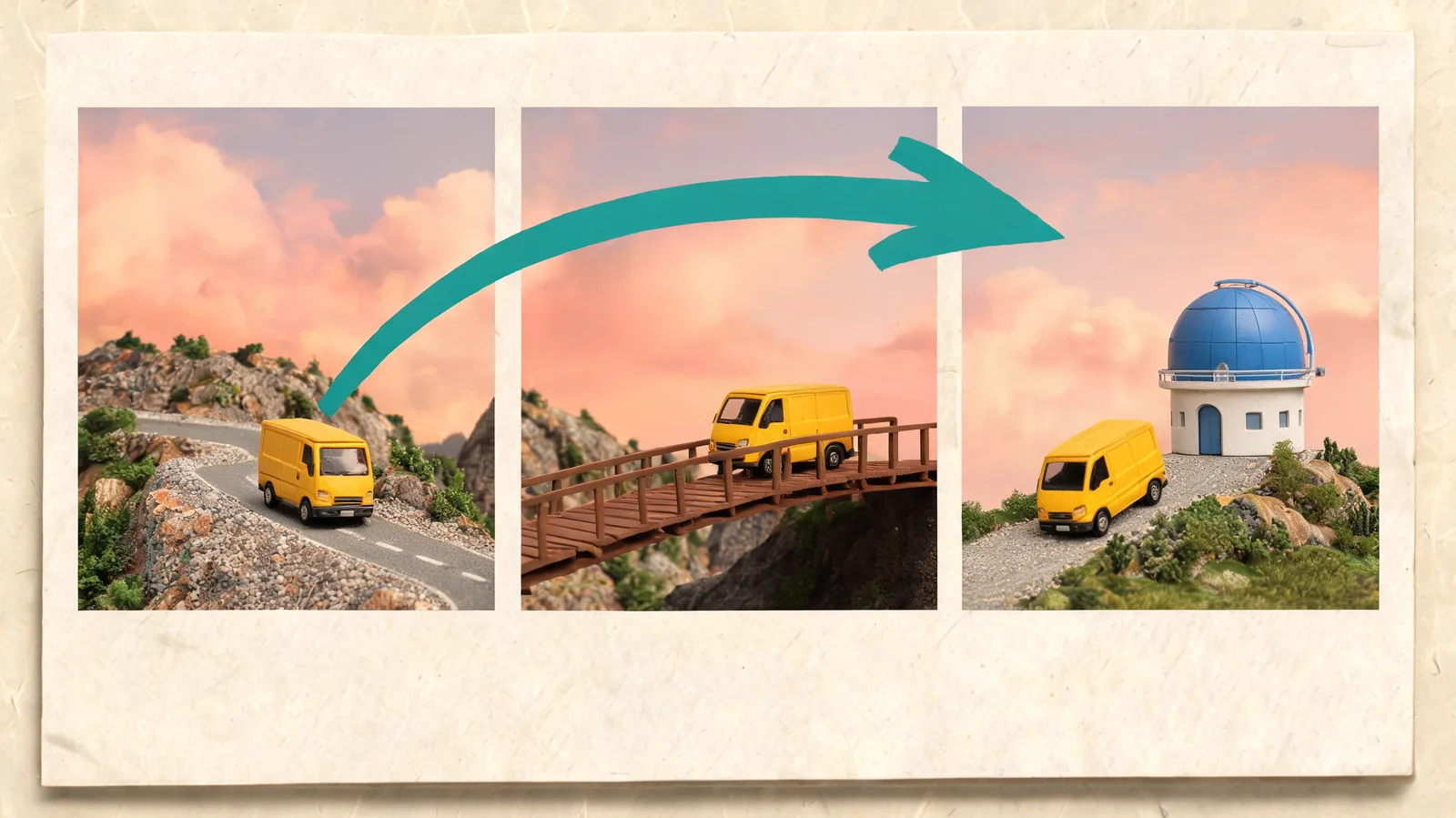
How to Use Seedance 2.5: References, Long Takes and Sound
Learn how to use Seedance 2.5 on ClipTrend: choose a mode, plan a long take, add references, direct sound, and check your video before downloading.
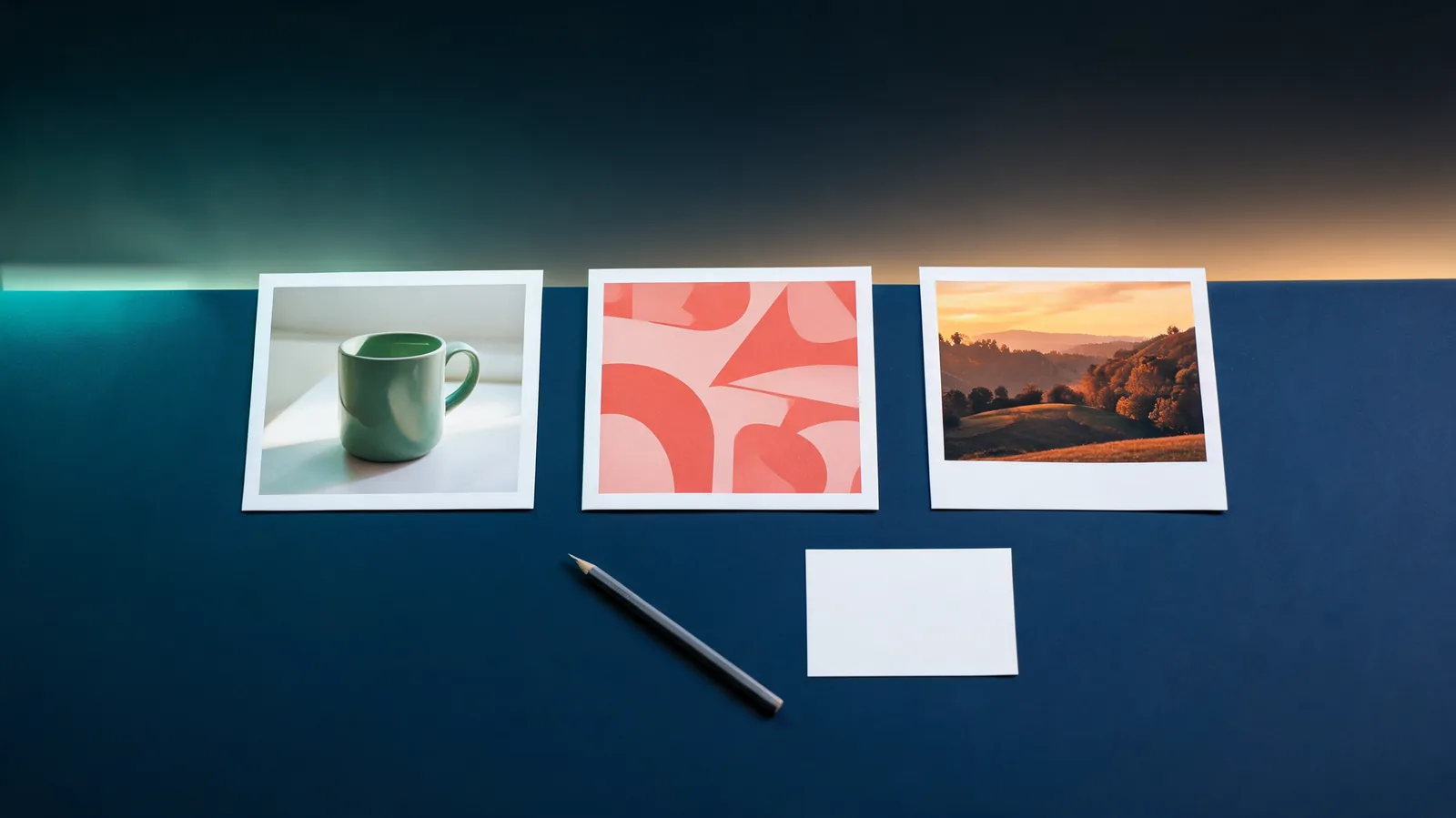
How to Use Nano Banana 2.1 on ClipTrend: A Step-by-Step Guide
Learn how to use Nano Banana 2.1 on ClipTrend.ai: choose text or reference images, set size and ratio, check credits, generate, review, and download.
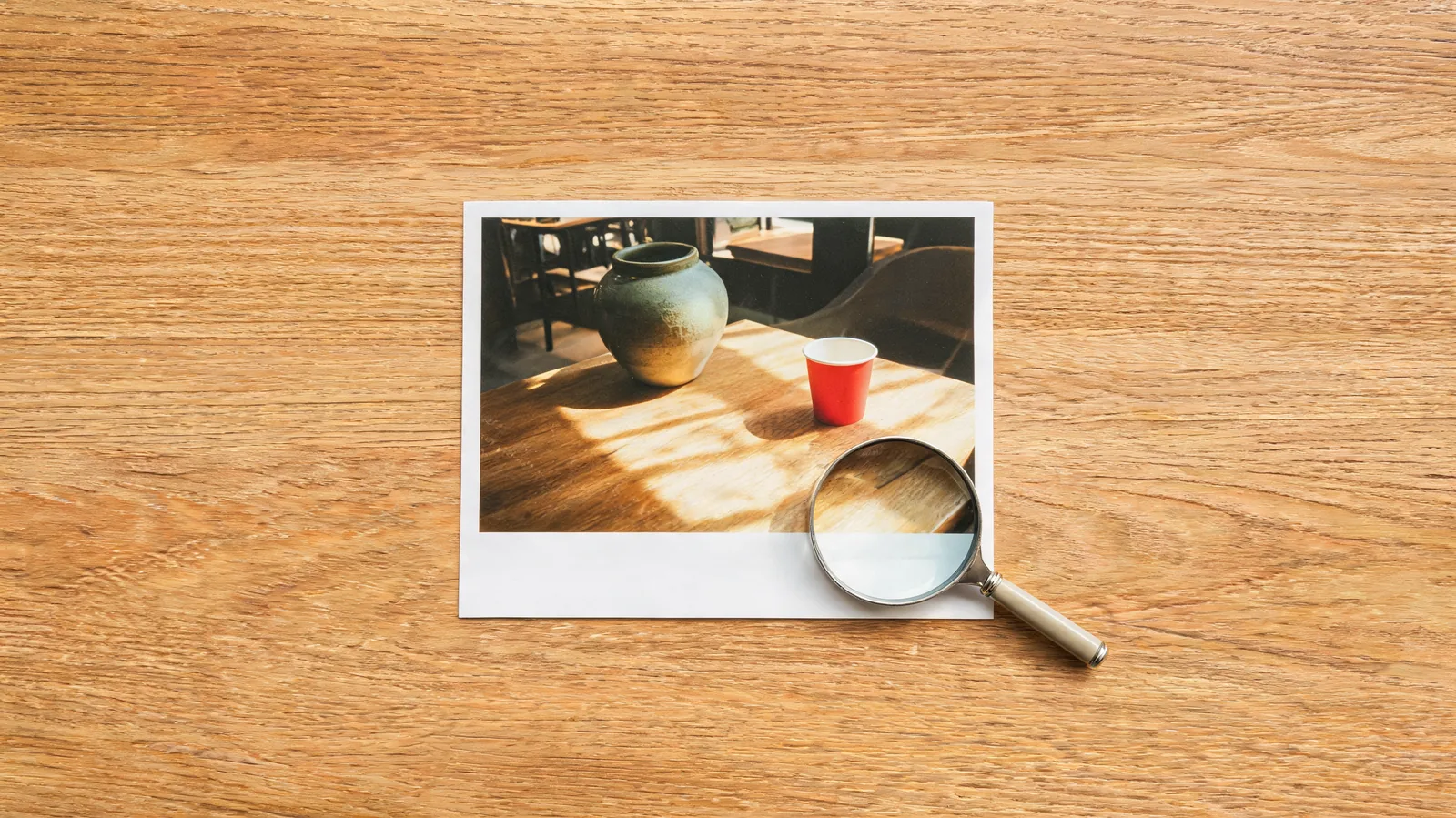
How to Remove an Object With an AI Photo Editor
Remove a distracting object from a photo with a focused AI editing prompt. Learn what to preserve, how to inspect the repair, and when to use a brush editor.
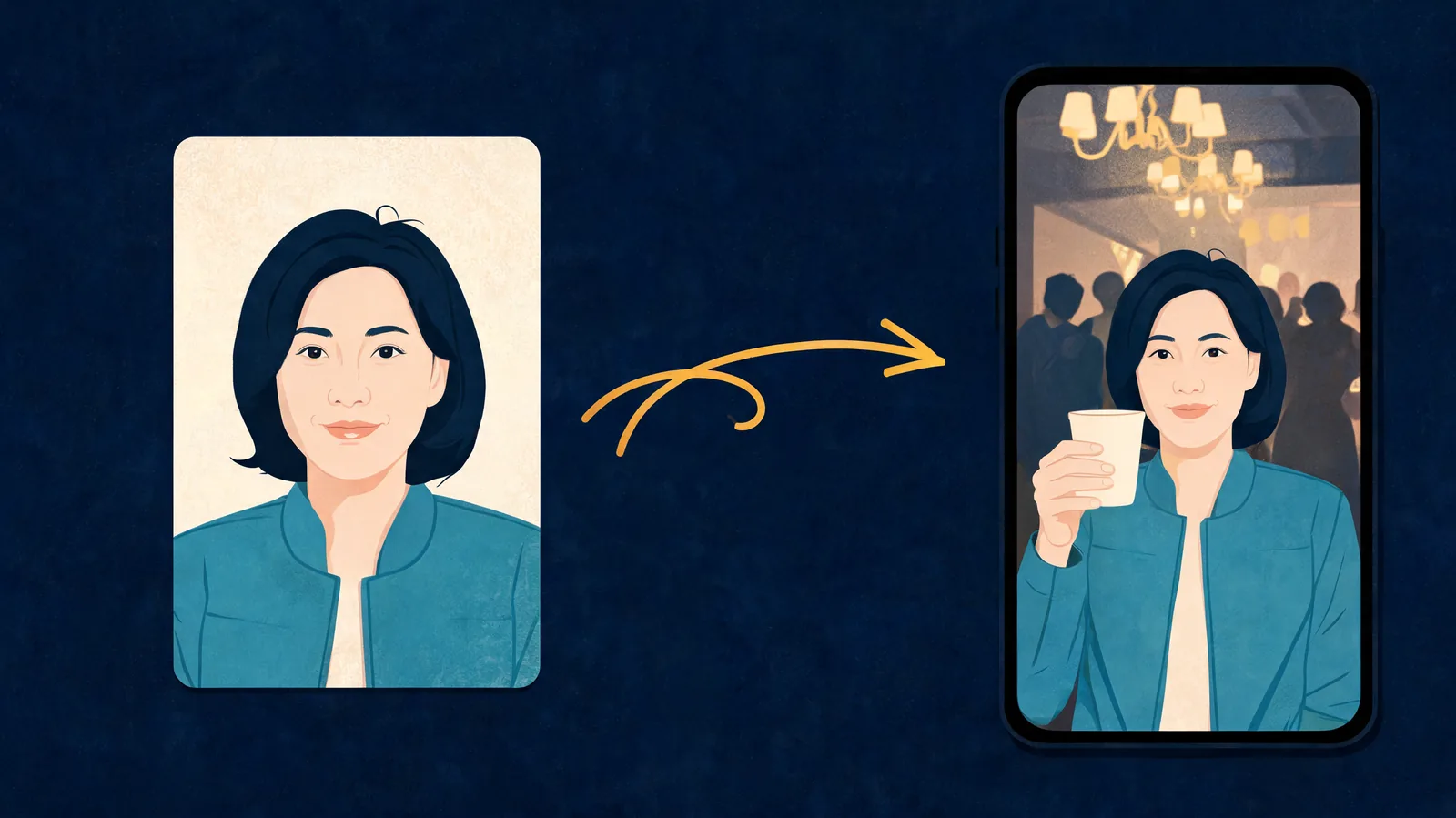
How to Do the Burning Bridges AI Trend With One Photo
Make the Burning Bridges AI trend from one clear photo. Follow the upload steps, prepare a portrait or character, and review the 15-second party clip before posting.
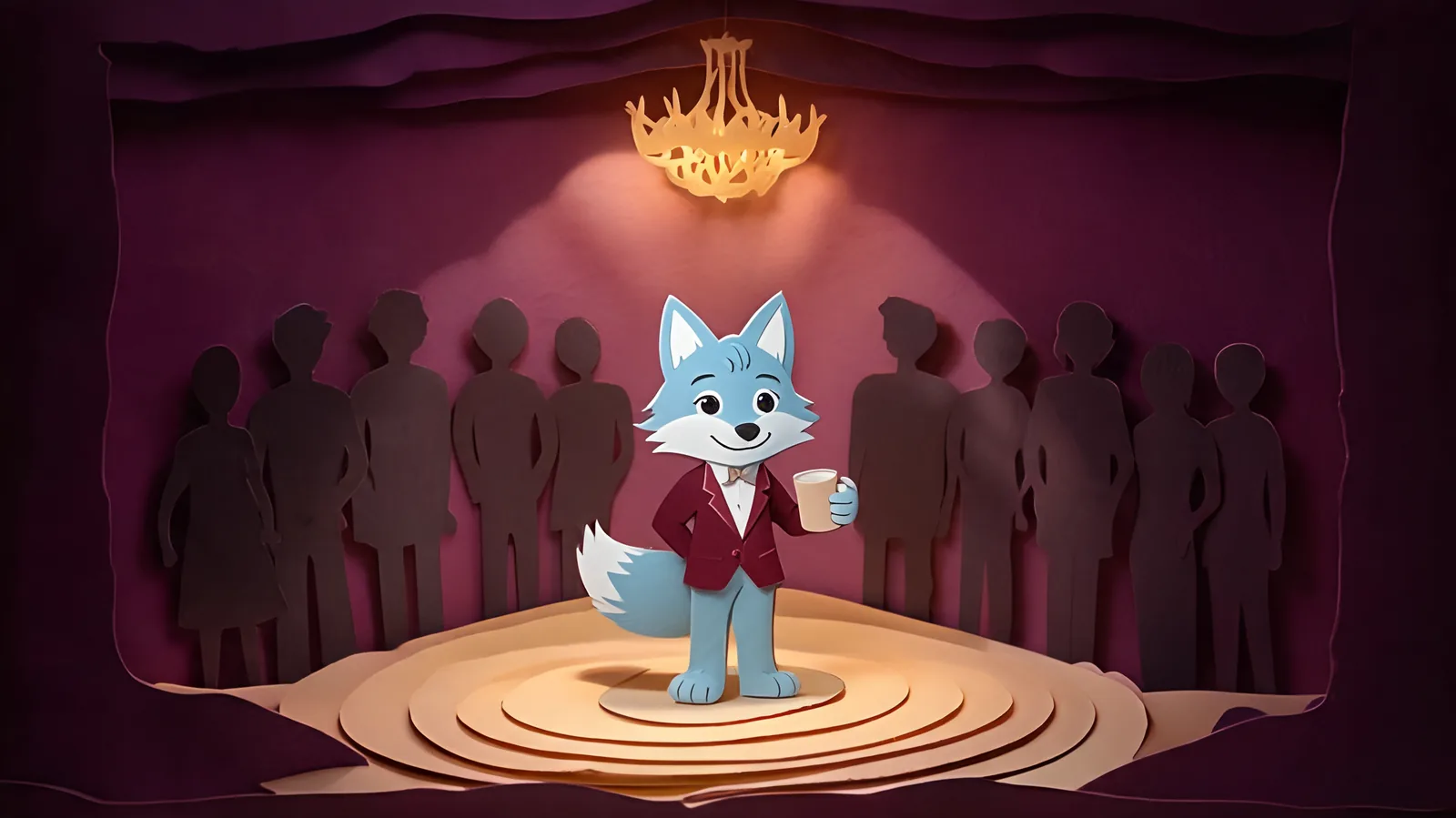
Drake Burning Bridges AI: The Party-Clip Trend Explained
Drake Burning Bridges AI is a party-clip remake with a new person or character in the lead. Understand the scene, meme variants, and what the one-photo tool does.
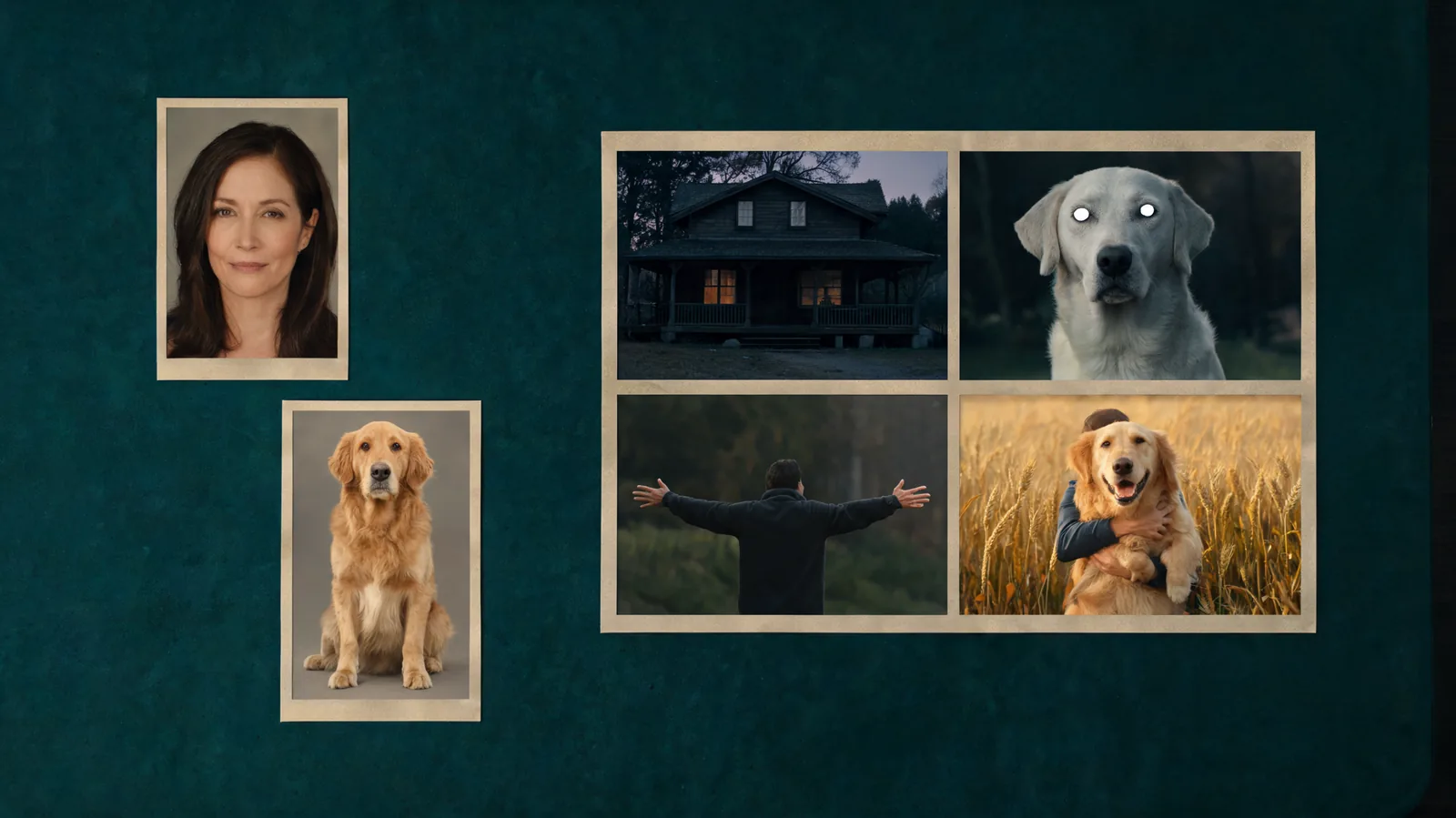
How to Make an AI Zombie Video: People or Pets Tutorial
Learn how to make an AI zombie video from two photos. Choose people or pets, assign the roles, generate a 12- or 15-second story, and review it before posting.
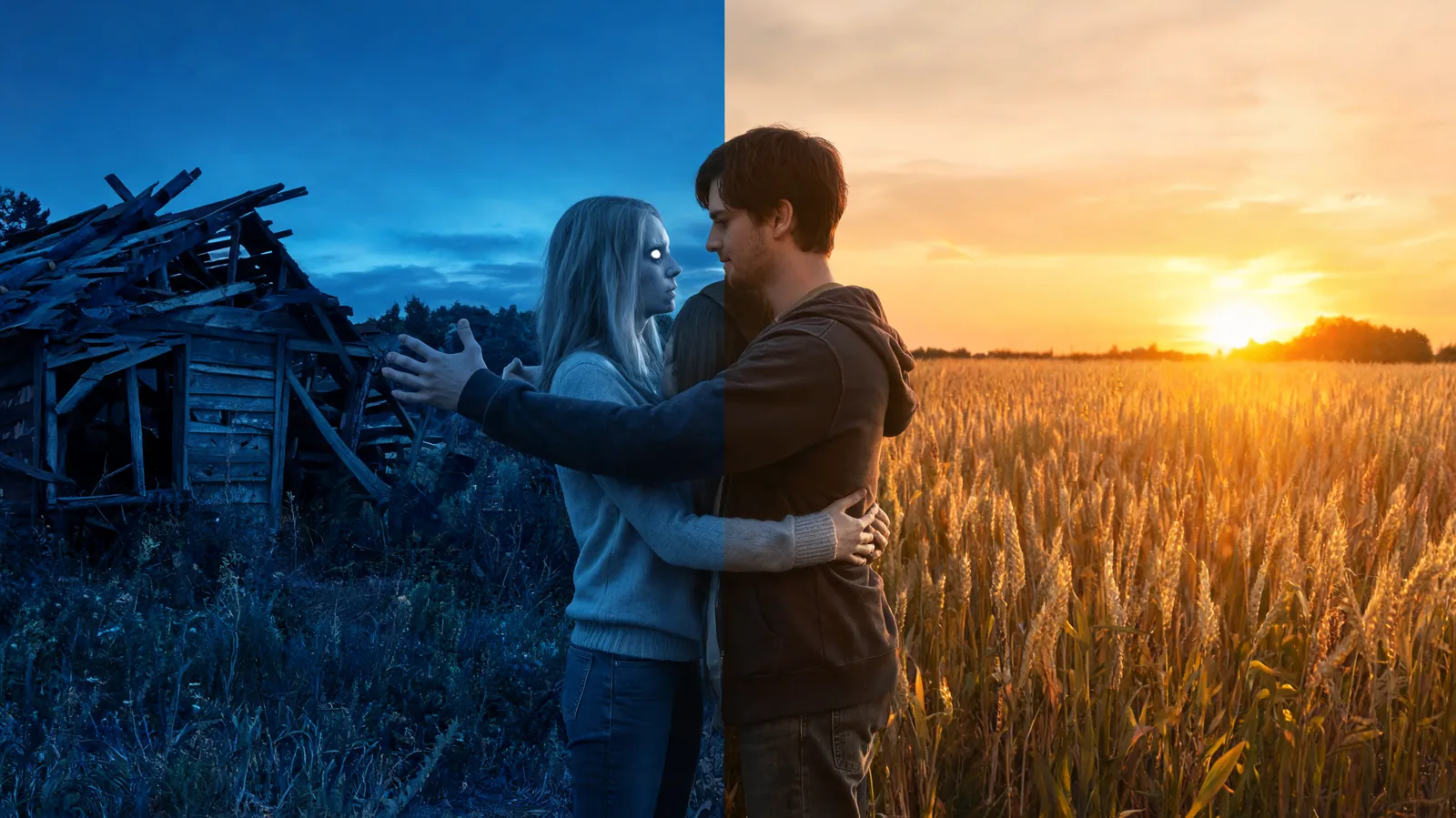
AI Zombie Trend Explained: The Zombie Love Story Format
Understand the AI zombie trend: a cabin standoff, a lowered gun, and a leap that cuts to a wheat-field hug. See what the story means and its people or pet variants.
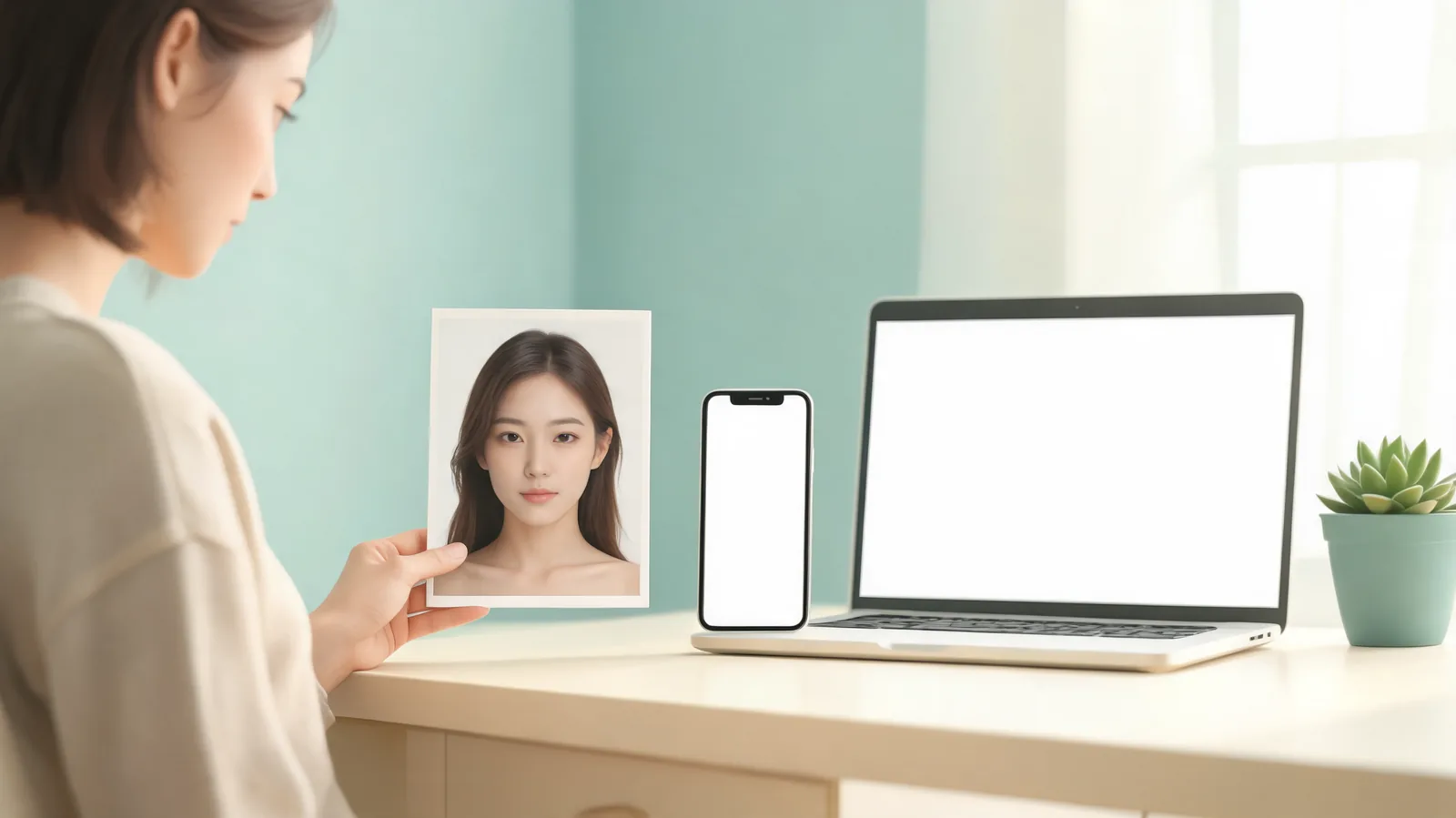
How to Make a Bulin 47 AI Video: One-Photo Tutorial
Learn how to make a Bulin 47 AI video from one photo, choose a clear portrait, find your finished 15-second freestyle, and check it before sharing.
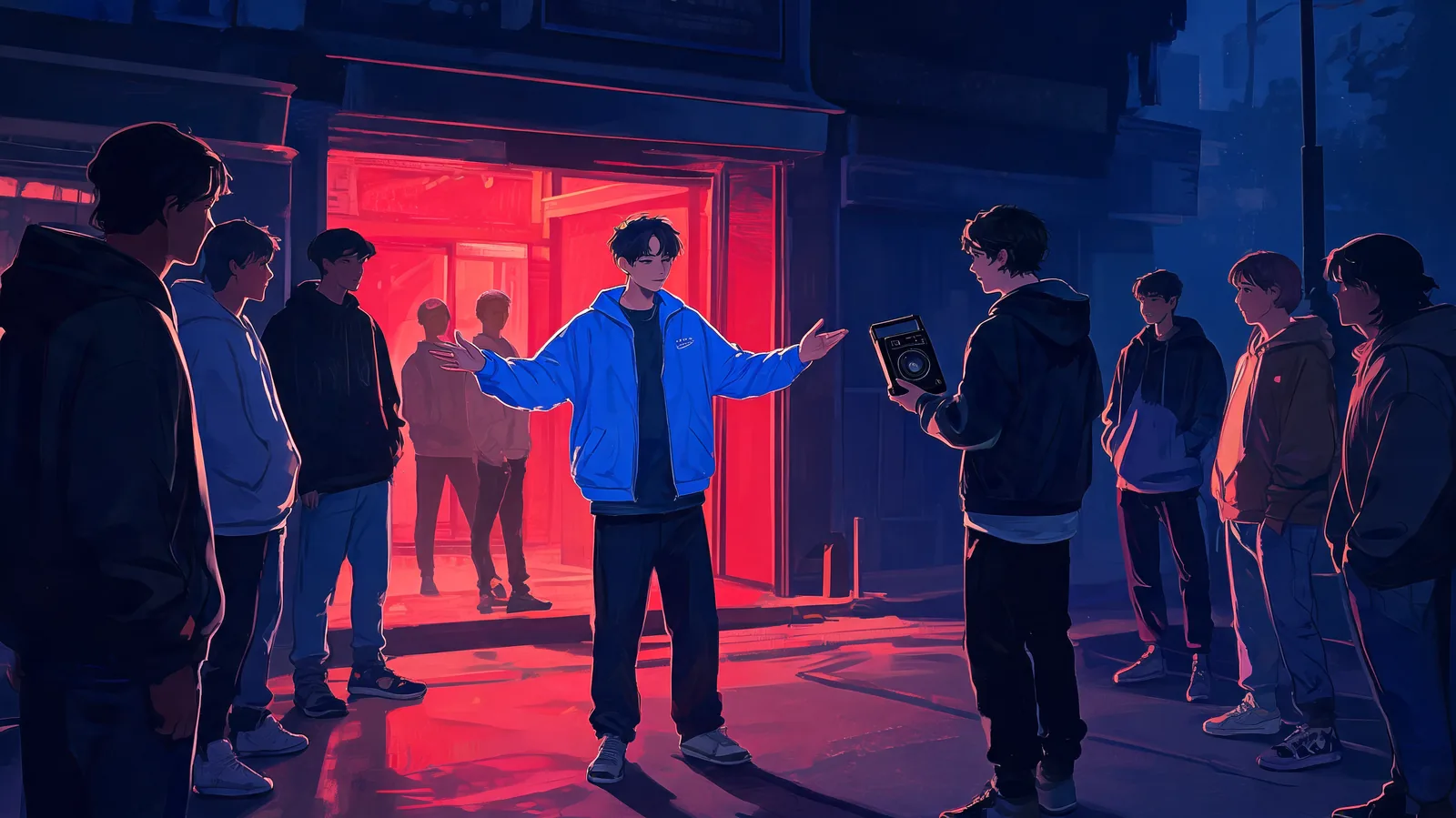
Bulin 47 Freestyle: The Original Clip and AI Trend Explained
Understand the Bulin 47 freestyle with Kevin Wai, what changes in an AI remake, and how one photo becomes a 15-second vertical clip with original sound.
FLUX Image to Video: Animate a FLUX 3 First Frame
Follow a FLUX image to video workflow: create a FLUX 3 Image first frame, then animate it in ClipTrend with the example's prompts and settings.
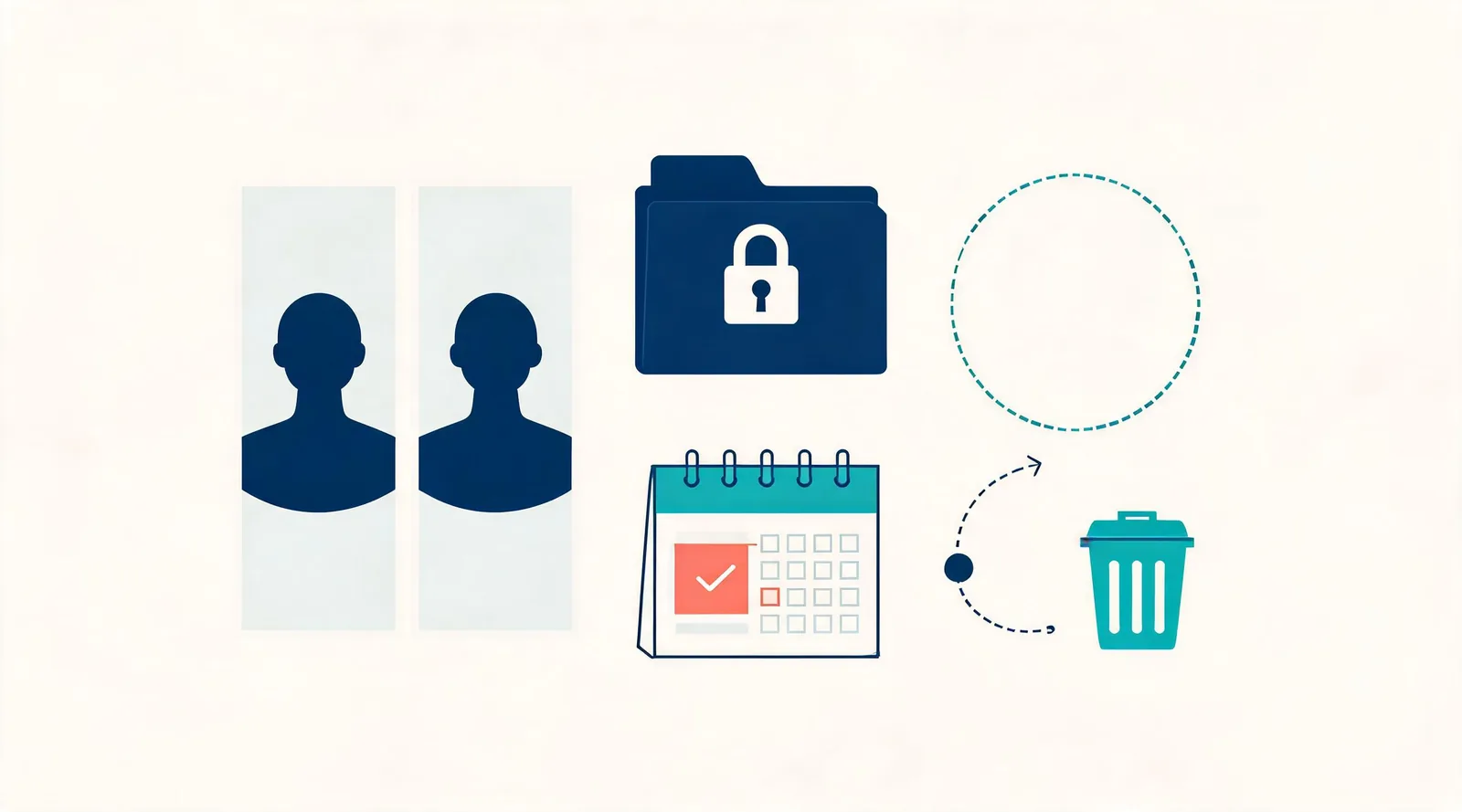
Two-Photo AI Kiss Video: Private Draft and Deletion
A practical post-generation checklist for access, sharing, retention, and removal of a consented two-photo AI kiss video draft.
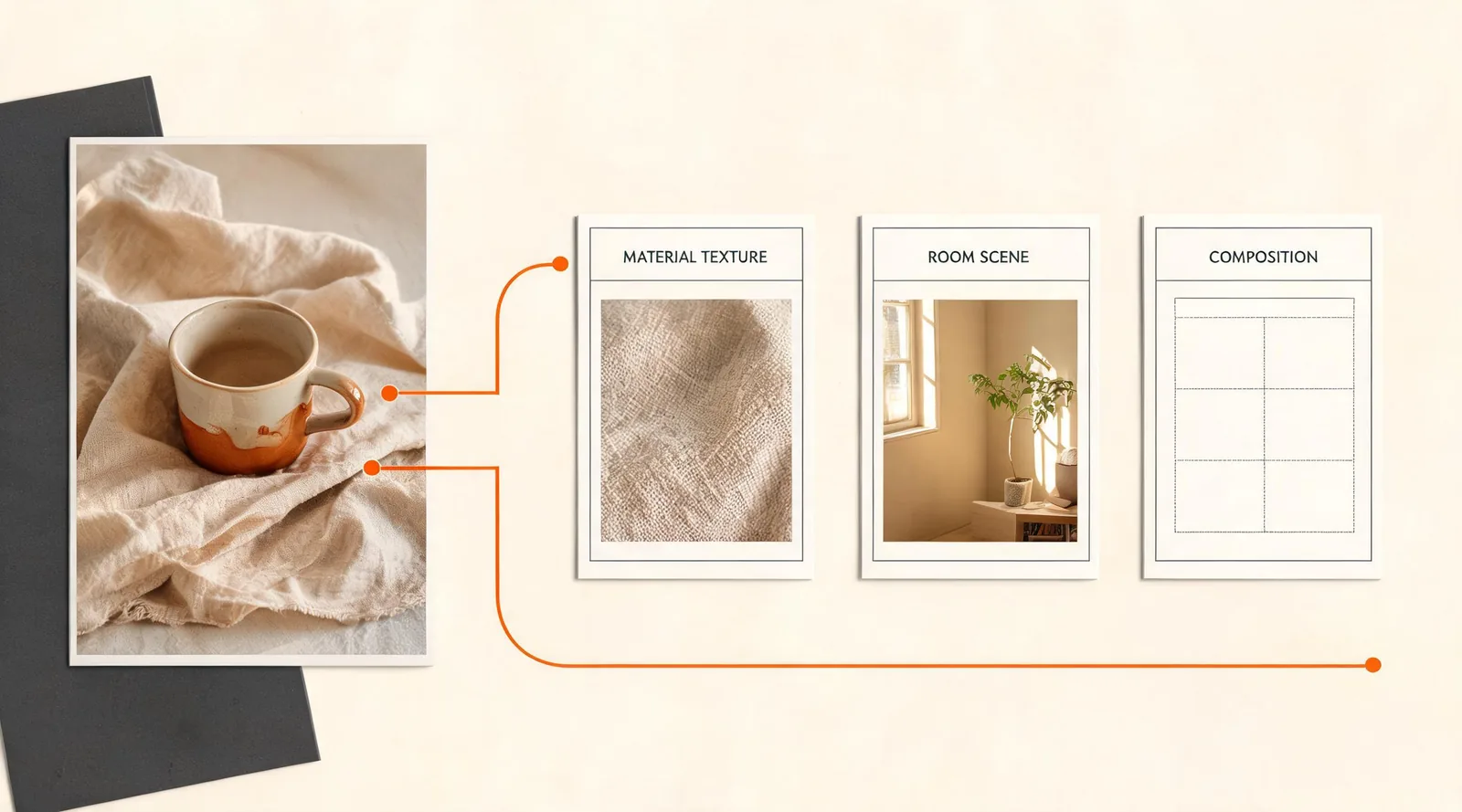
AI Photo Editor: Fast vs. Pro for Reference Images
Choose Fast for a focused one-photo edit or Pro when several approved references need to guide the same AI Photo Editor result.
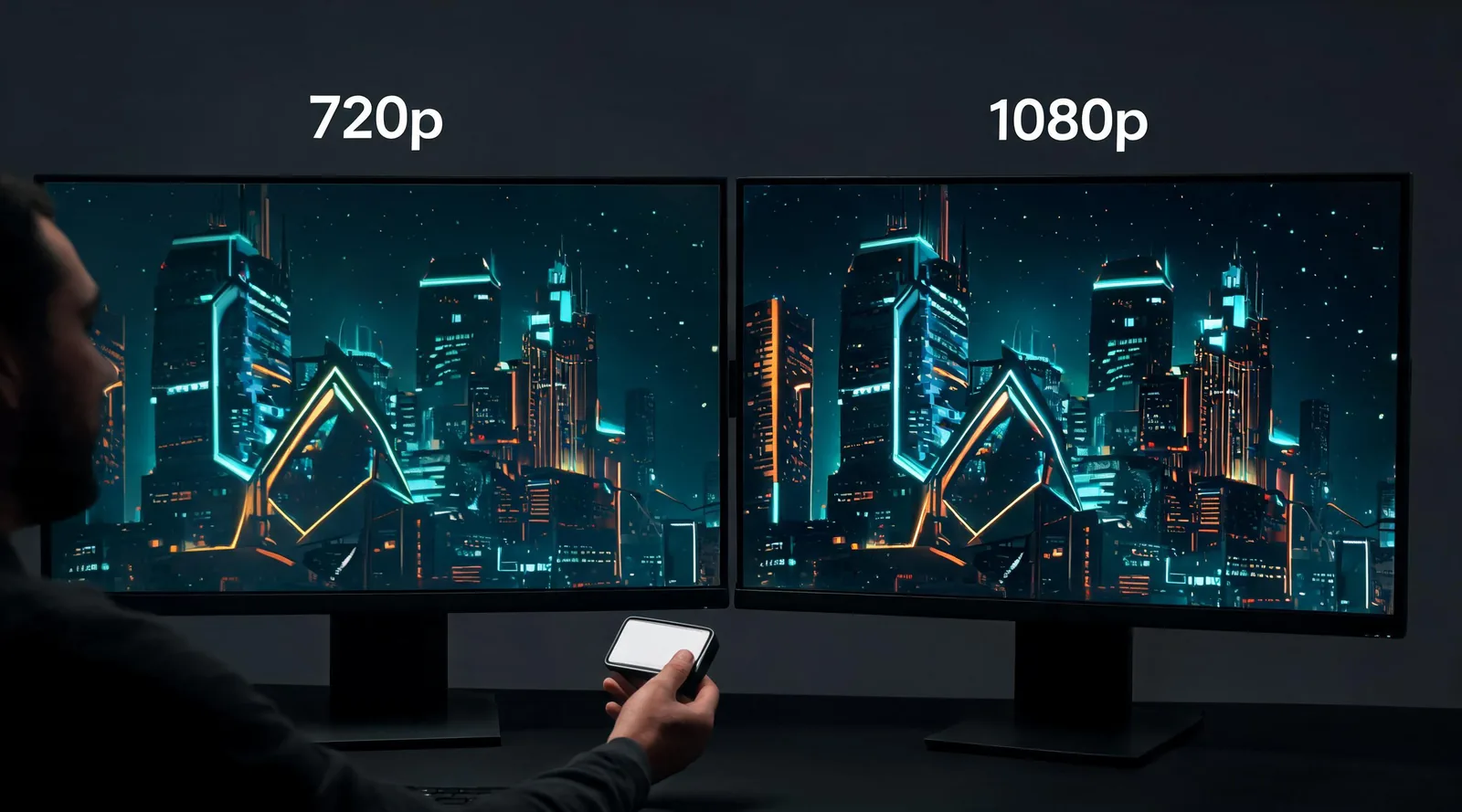
Seedance 2.5 1080p vs. 720p: Which Should You Use?
Compare Seedance 2.5 1080p and 720p before you generate: choose a practical resolution for review, delivery, cost, and HEVC playback.
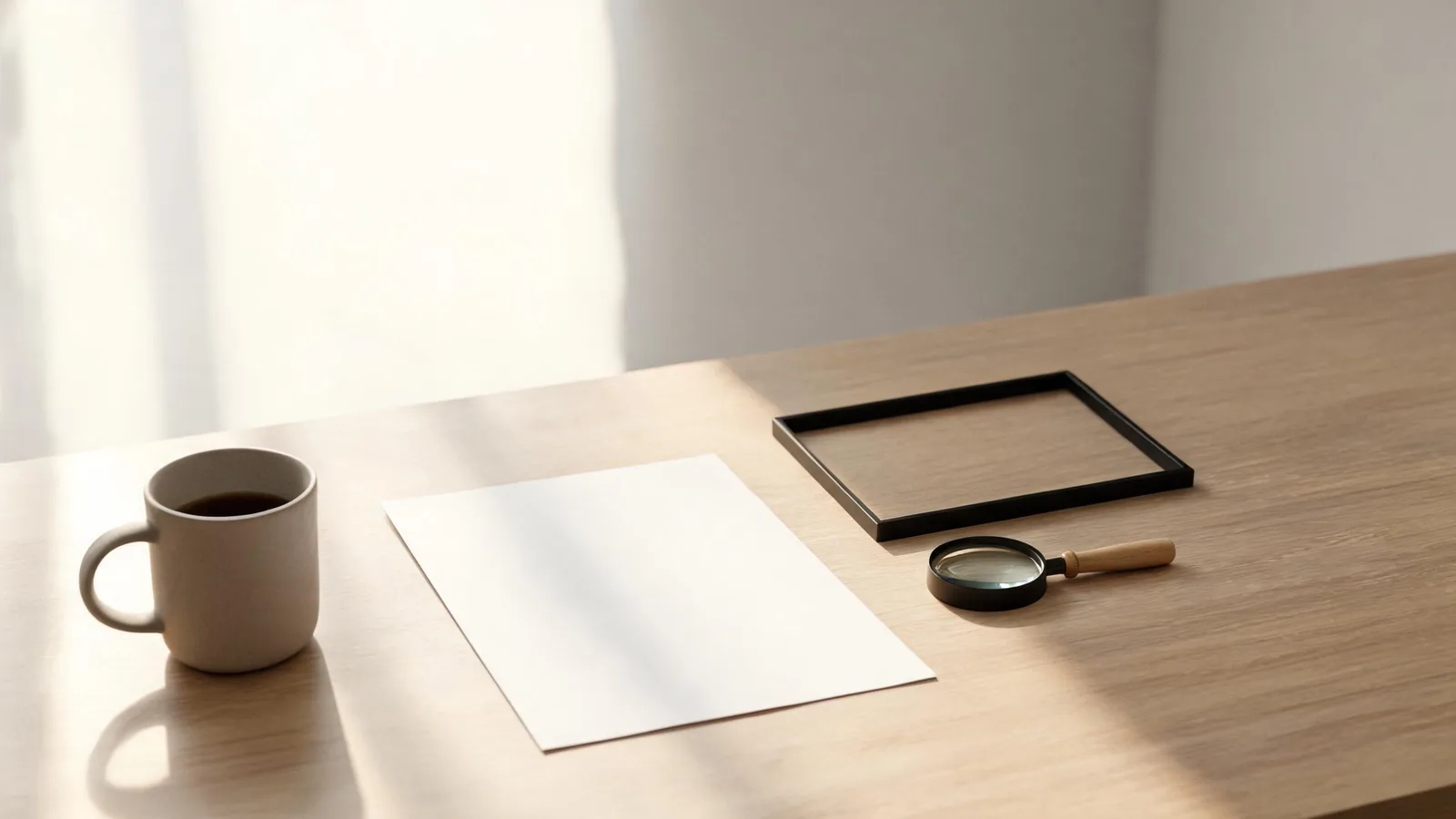
GPT Image 2.5 Text to Image: A Controlled First Test
Run a controlled GPT Image 2.5 text-to-image first test in ClipTrend: choose a destination, brief one scene, review the result, and decide the next step.
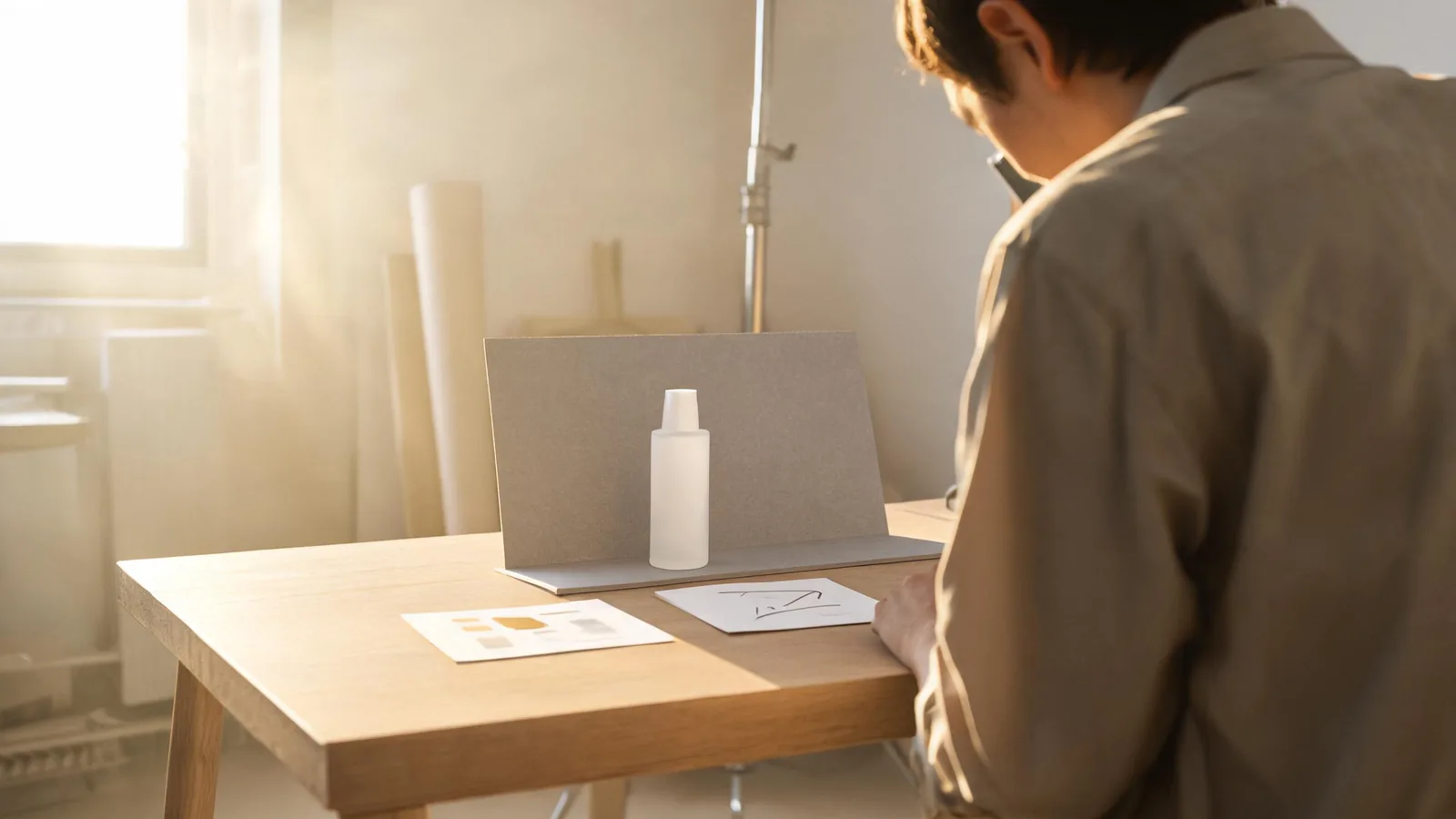
GPT Image 2.5 AI Photo Editor: First Test With Reference Images
Make a controlled first GPT Image 2.5 edit in ClipTrend: assign reference-image roles, choose an output setting, and review what changed before another pass.
Kling vs Runway vs Pika: Image-to-Video Compared (2026)
Kling vs Runway vs Pika for image-to-video, updated October 2026: clip length, native audio, resolution, free tiers and prices compared side by side.
Best AI Image to Video Generators in 2026 (Tested)
Best AI image to video generators of 2026, tested: Kling 3.0, Veo 3.1, Runway, Seedance 2.5, MiniMax H3, Luma, Pika and ClipTrend. Updated October 2026.